
LibreOffice
Free, open source office suite with word processor, spreadsheet, presentation, drawing and database tools.
Our verdict
What it does well
- Free of charge, with source code under the Mozilla Public License v2.0
- Six tools: Writer, Calc, Impress, Draw, Base and Math
- Runs on Windows, macOS and Linux
Where it falls short
- Android has a separate LibreOffice Viewer app, not a full editor
- Its six tools have no email or calendar app, unlike Microsoft 365 plans
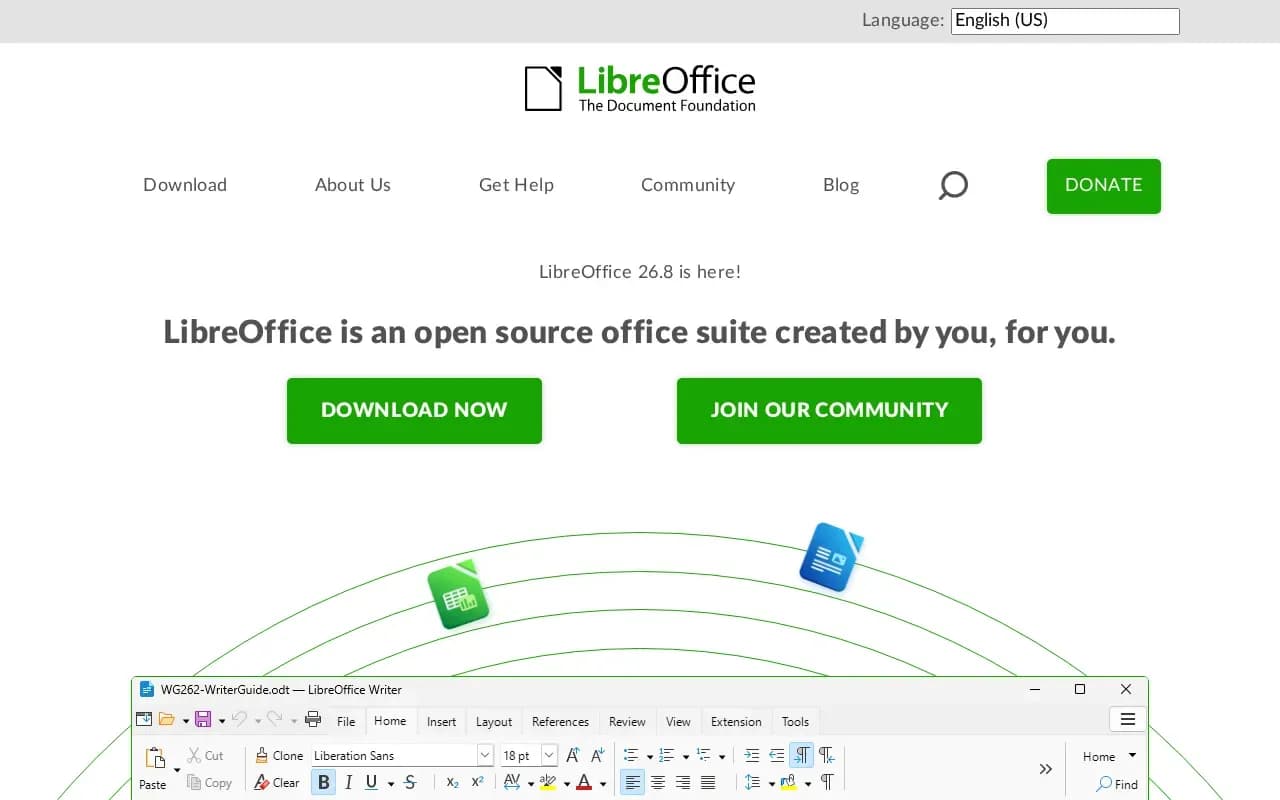
LibreOffice calls itself 'an open source office suite created by you, for you.' It includes Writer (word processing), Calc (spreadsheets), Impress (presentations), Draw (diagrams), Base (databases) and Math (formula editing).
It is provided at no cost. The source code is under the Mozilla Public License v2.0. The download page has a donate link but states no price.
Installers are offered for Windows, macOS and Linux. The system requirements page lists Windows 10 or 11, macOS 11 or later, and Linux, and points Android users to a separate LibreOffice Viewer.
LibreOffice compared
Alternatives to LibreOffice

Subscription that includes Word, Excel, PowerPoint, Outlook, OneNote and OneDrive cloud storage.
- Paid

Office suite with document, spreadsheet, presentation and PDF editors, as free desktop apps, cloud or self-hosted.
- Freemium
- Open source
What users say
Write a reviewNo user reviews yet. If you’ve used LibreOffice, share what you used it for and how it went.
Last updated 17 October 2026. Facts checked against the official site on 16 October 2026. How we make money