
Visual Studio Code
Free code editor from Microsoft for Windows, macOS, Linux and the web, built on open-source code.
Our verdict
What it does well
- Free for private or commercial use, according to Microsoft's FAQ
- Built-in terminal, run and debug support, and Git version control
- Runs on Windows, macOS and Linux, and in the browser at vscode.dev
Where it falls short
- Microsoft's build uses a Microsoft product licence, not the MIT licence
- Collects usage data by default; telemetry can be turned off in settings
- Marketplace extensions are not licensed for use outside Visual Studio products
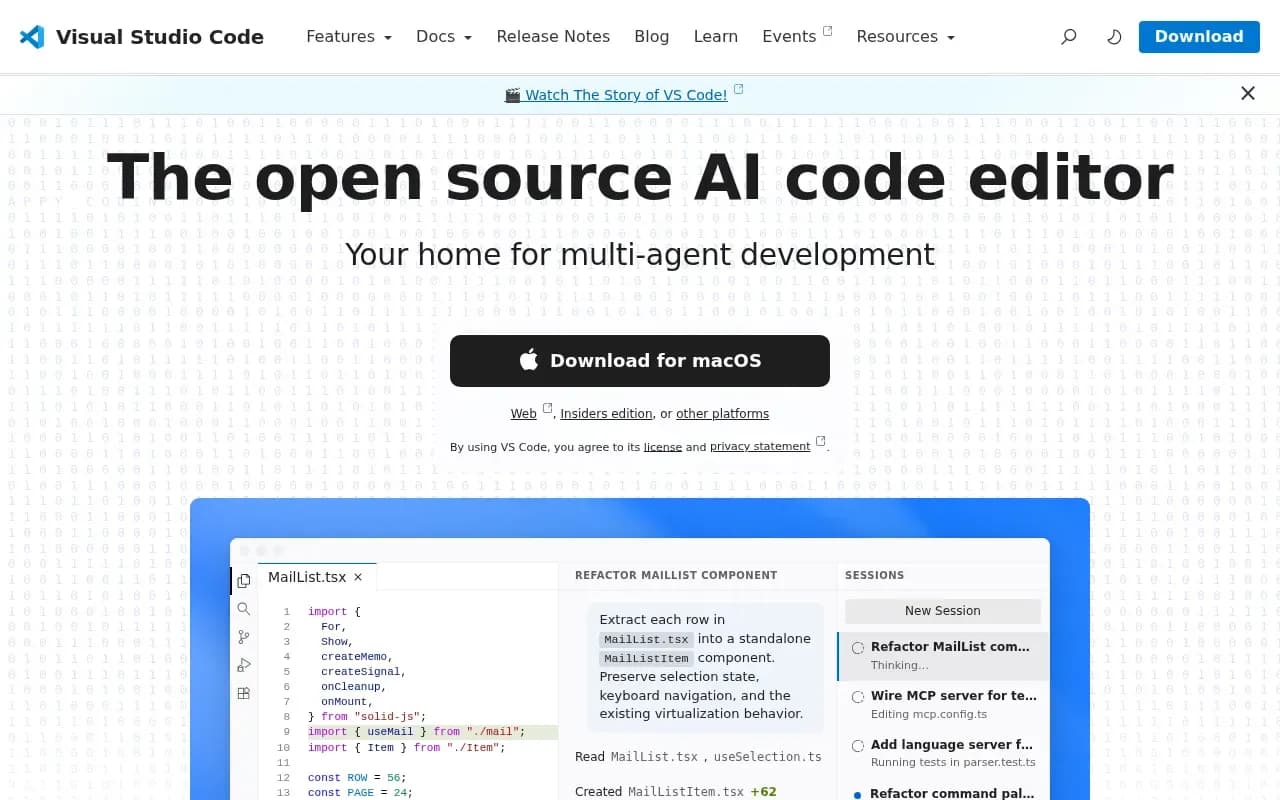
Visual Studio Code's site calls it the open source AI code editor. It runs on macOS, Windows and Linux, and in the browser at vscode.dev. Features listed include an integrated terminal, run and debug support, built-in Git version control, themes, Settings Sync, profiles, and remote development.
The licensing has two parts. The source code in Microsoft's vscode repository (called Code - OSS) is under the MIT licence. The Visual Studio Code you download from Microsoft is a distribution of that code with Microsoft-specific additions, released under a Microsoft product licence. Microsoft's FAQ says VS Code is free for private or commercial use.
There is no price for the editor itself. The homepage separately says that for its agent features there is no trial and no credit card needed, just a GitHub account; no further pricing for those features was checked.
Visual Studio Code compared
Alternatives to Visual Studio Code

Paid code, markup and prose editor for Windows, macOS and Linux with a free evaluation.
- Paid

Fast code editor written in Rust for macOS, Linux and Windows, with optional paid AI features.
- Freemium
- Open source

GitHub's AI assistant for code completion, chat and agent tasks in editors, the terminal and github.com.
- Freemium

Open source AI coding agent as a VS Code extension, JetBrains plugin and CLI, using models you configure.
- Free
- Open source
What users say
Write a reviewNo user reviews yet. If you’ve used Visual Studio Code, share what you used it for and how it went.
Last updated 16 October 2026. Facts checked against the official site on 16 October 2026. How we make money