
UltraViewer
Windows-only remote desktop tool described as '100% Freeware', with optional paid plans.
Free plan available
Our verdict
What it does well
- Home page calls it '100% Freeware'
- Download is listed as only 3.5 MB
- Paid plans start at $3.99/month billed annually, with a 15-day money-back guarantee
Where it falls short
- Runs only on Windows, per the FAQ; a macOS version is described as planned
- Official pages do not say what the free version limits or whether work use is allowed
- Lite licence covers one user on one device and 3 remote endpoints per month
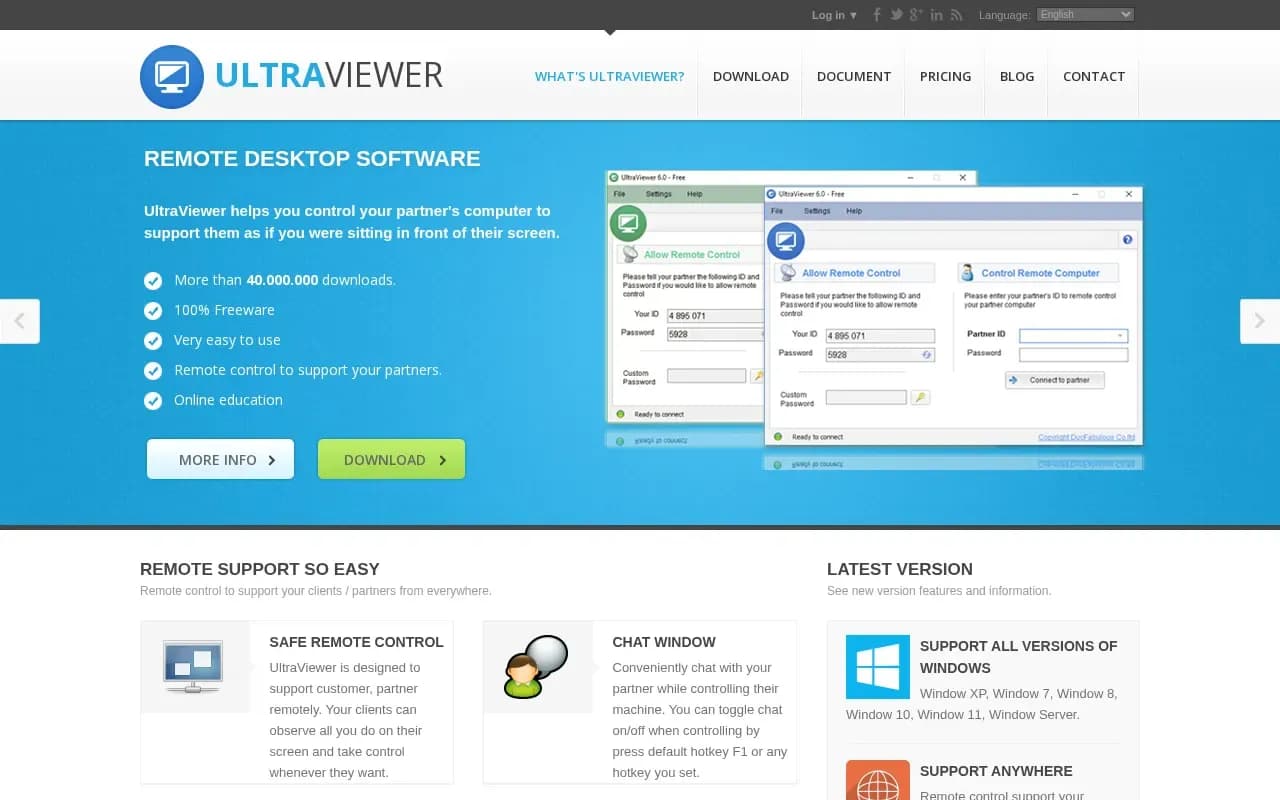
UltraViewer is remote desktop software for controlling a partner's computer to support them as if you were sitting in front of their screen. The site lists remote control, a chat window (F1 by default), file sharing from the chat window, control of several computers at once, and online education. You connect by entering the ID and password shown on the other person's UltraViewer.
The site calls it '100% Freeware' and 'a popular and continually developing free remote desktop control software'. It lists Windows XP, 7, 8, 10, 11 and Windows Server, and the FAQ says it currently runs only on Windows. The download page shows version 6.6.124, a 3.5 MB installer and a portable ZIP that is marked unsupported with fewer features.
Paid plans are billed annually and shown per month with a '$' sign: Lite $3.99 (one user, one device, 1 concurrent session, 3 remote endpoints a month, 2 GB files), Professional $5.99 (up to 6 computers, one user at a time, unlimited endpoints, 4 GB files) and Premium $7.99 (up to 12 computers, unlimited concurrent sessions, 8 GB files). The page says prices include all taxes and offers a 15-day money-back guarantee.
UltraViewer compared
Open source alternatives to UltraViewer
Free to use, with code anyone can inspect.

Open-source remote desktop app you can self-host, with paid Pro server plans for teams.
- Freemium
- Open source
Other alternatives

Remote support and device management platform, with a free version for personal use only.
- Freemium
What users say
Write a reviewNo user reviews yet. If you’ve used UltraViewer, share what you used it for and how it went.
Last updated 16 October 2026. Facts checked against the official site on 16 October 2026. How we make money