
OBS Studio
Free, open source software for video recording and live streaming.
Our verdict
What it does well
- Free and open source, licensed under GNU GPL v2 or later
- Unlimited scenes, per-source audio mixer and Studio Mode
- Plugin API with native plugins and Lua or Python scripts
Where it falls short
- Records and streams only; it is not a video editor
- Scene and source setup takes time to learn
- macOS requires version 13.0 or newer
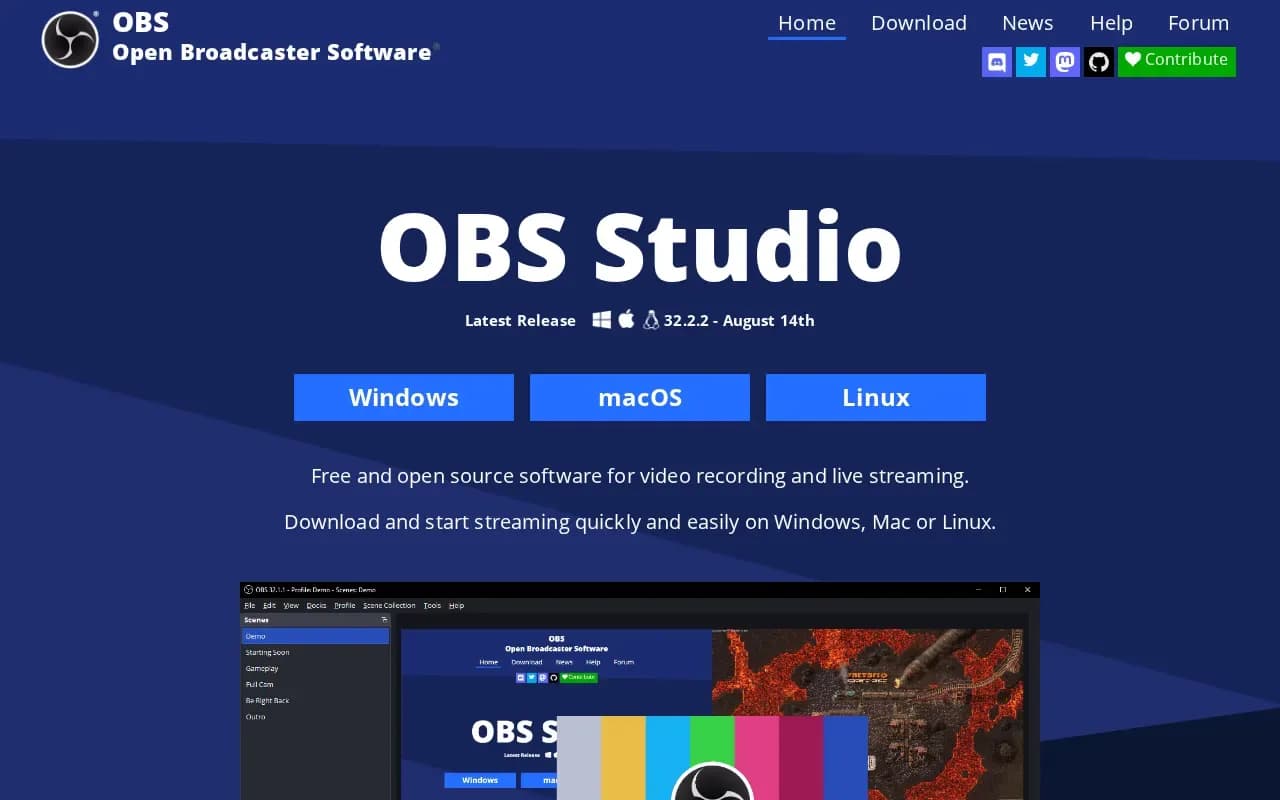
OBS Studio's tagline is 'Free and open source software for video recording and live streaming.' It captures and mixes video and audio in real time, with scenes built from window captures, images, text, browser windows, webcams and capture cards.
It costs nothing, and the download page shows no price. The project's GitHub page states it is distributed under the GNU General Public License v2 (or any later version).
Builds are available for Windows 10 and 11, macOS 13.0 or newer (Intel and Apple Silicon), and Linux (Flatpak on Flathub, plus a PPA for Ubuntu 24.04 and newer). The latest version listed is 32.2.2.
OBS Studio compared
Alternatives to OBS Studio

Screen recorder and video editor from TechSmith, with AI editing tools, for Windows and macOS.
- Paid

What users say
Write a reviewNo user reviews yet. If you’ve used OBS Studio, share what you used it for and how it went.
Last updated 16 October 2026. Facts checked against the official site on 16 October 2026. How we make money