
Camtasia
Screen recorder and video editor from TechSmith, with AI editing tools, for Windows and macOS.
Our verdict
What it does well
- Records screen, camera, system audio and mic as separate layers
- Text-based editing and automatic captions on higher plans
- Same features on Windows and macOS
Where it falls short
- Free editor download exports with a watermark until you pay
- Individual plans cannot be transferred to another person
- Top Pro plan is $599.00 per year, billed yearly
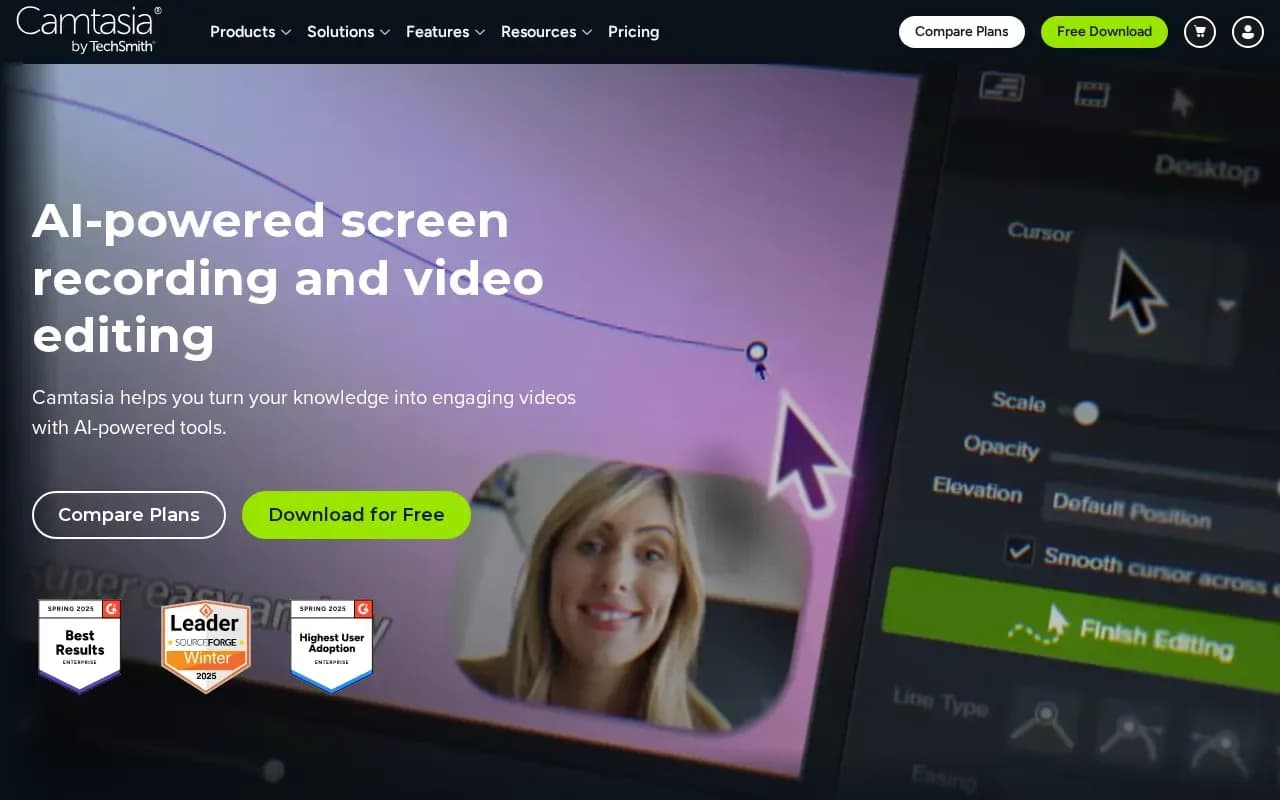
TechSmith describes Camtasia as AI-powered screen recording and video editing. It records screen, camera, system audio and microphone as separate layers, and edits with drag-and-drop zooms and callouts, captions, themes and templates.
Individual plans on the store page are priced per year, billed yearly: Starter $39.00, Essentials $179.88, Create $249.00 and Pro $599.00. Starter includes Snagit and a watermarked Camtasia Editor. Higher plans add AI text-based editing, voiceover and avatars. Teams and Business pricing is not shown; the page points to contacting sales.
You can download the full Camtasia Editor free, but exported videos carry a watermark until you move to a paid plan. A 14-day money-back guarantee applies.
Camtasia compared
Open source alternatives to Camtasia
Free to use, with code anyone can inspect.

What users say
Write a reviewNo user reviews yet. If you’ve used Camtasia, share what you used it for and how it went.
Last updated 16 October 2026. Facts checked against the official site on 16 October 2026. How we make money