
ArtCraft
Open-source studio for AI images and video, with 2D and 3D scene staging before you generate.
Free plan available
Our verdict
What it does well
- Source code is public on GitHub under MIT or Apache-2.0, your choice
- Stage scenes with 2D layers and 3D elements before generating
- Free to start with no subscription; paid credits are optional
Where it falls short
- No prebuilt Linux download; Linux means building from source
- Hosted generation uses paid credits; free use needs your own compute or subscriptions
- Some features and models are listed as coming, disabled or restricted
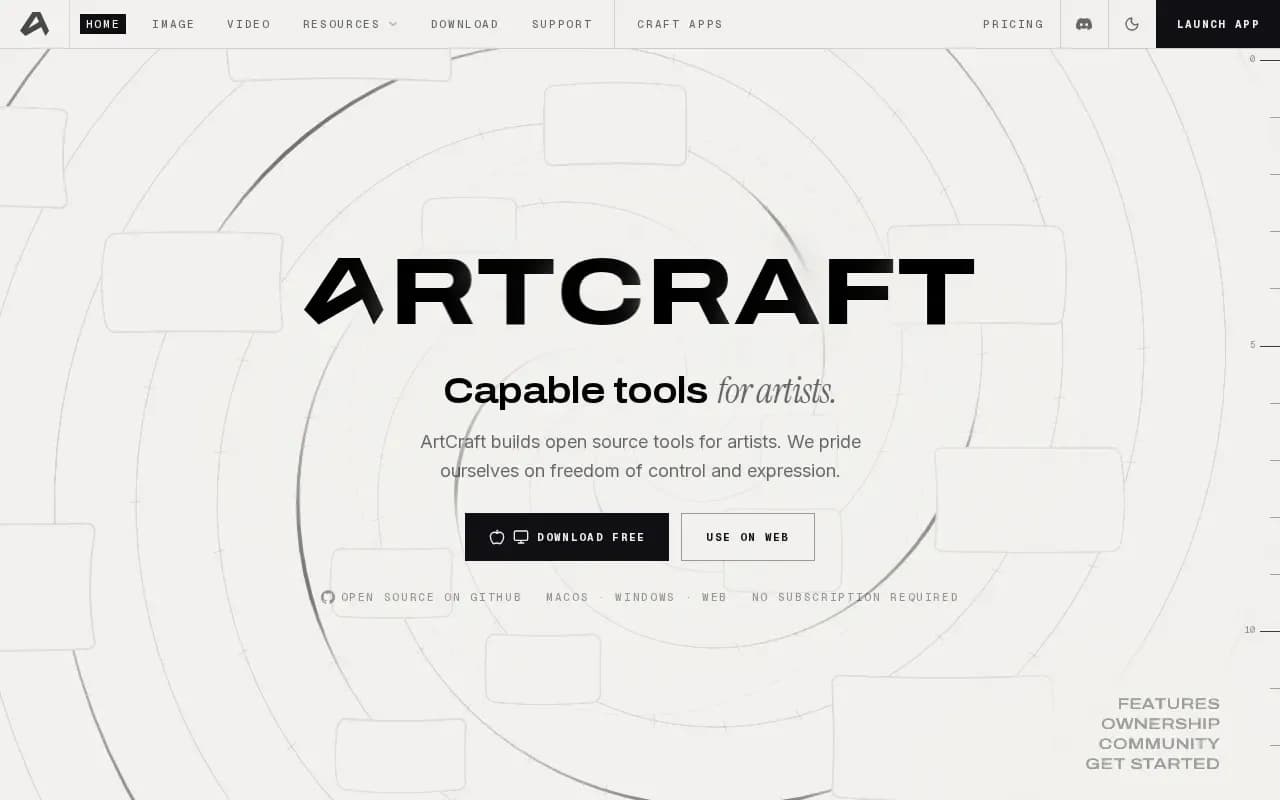
ArtCraft describes itself as an IDE for interactive AI image and video creation. You compose in 2D, stage scenes in 3D with posed characters and camera blocking, and then pick a model to generate the result.
The README lists text-to-image, prompted image editing with masks and inpainting, image-to-3D mesh, character posing, and image-to-video. It lists a catalog of 62 models (images, video, music and sound, 3D meshes, worlds), though some are marked disabled or restricted, and some are not available in the desktop app.
Desktop apps exist for Windows and macOS, and there is a browser version. The website says it is free to start with no subscription required; optional paid plans give monthly credits for hosted generation, and one-time credit packs are also offered.
Alternatives to ArtCraft


Adobe's web and mobile app for generating images, video and audio, with a free daily allowance.
- Freemium
What users say
Write a reviewNo user reviews yet. If you’ve used ArtCraft, share what you used it for and how it went.
Last updated 16 October 2026. Facts checked against the official site on 16 October 2026. How we make money