
CapCut
Video and photo editor with templates, captions and AI tools on desktop, mobile and web.
Free plan available
Our verdict
What it does well
- Free plan with templates and basic editing tools
- Runs on Windows, macOS, iOS, Android and in the browser
- Auto captions, text to speech and background removal among its listed tools
Where it falls short
- Premium templates, advanced effects and many AI tools are Pro-only
- Pro pricing varies by region and is shown to you in local currency
- Free cloud storage was discontinued in August 2024
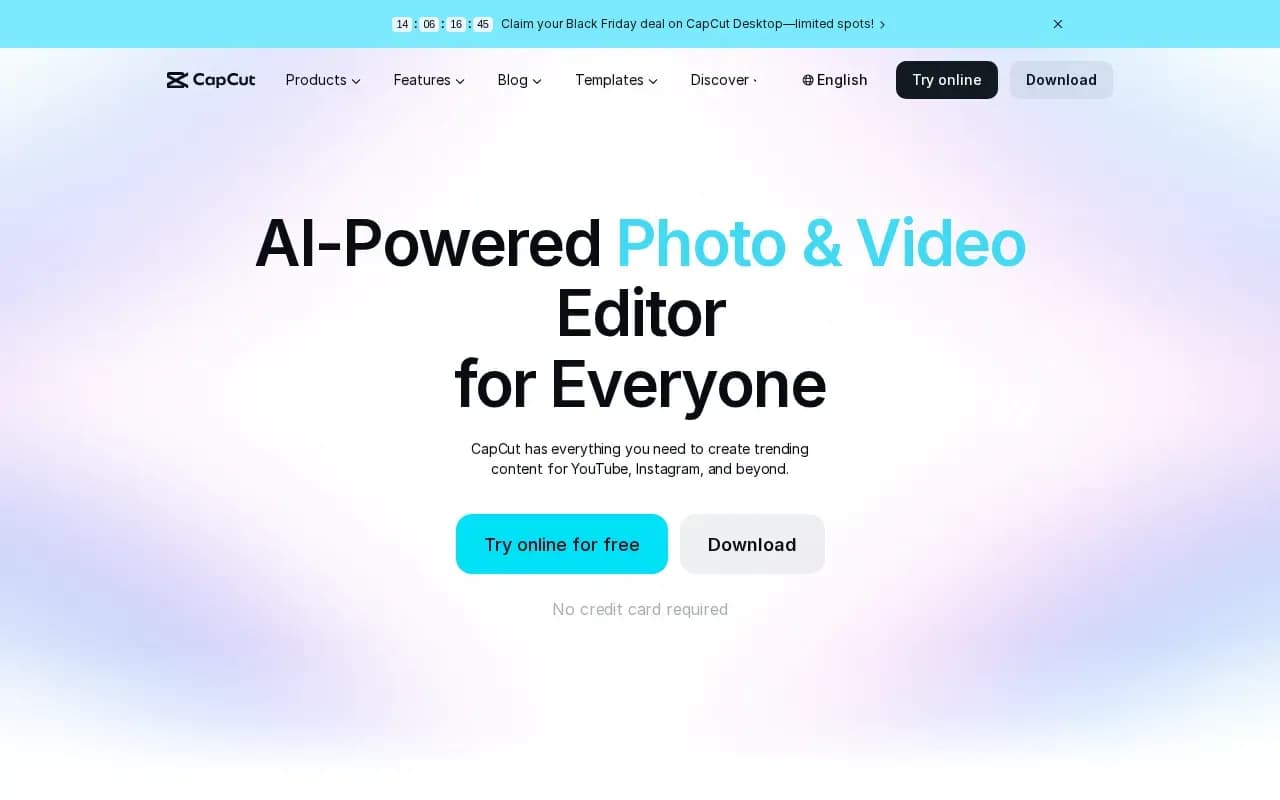
CapCut is an AI-powered photo and video editor aimed at content for platforms such as YouTube and Instagram. Its site lists a desktop editor, a mobile editor, an online editor in the browser and a tablet app, with tools for cutting and trimming, transitions, auto captions, text to speech, noise reduction, background removal and templates.
There is a Free plan, described on the pricing page as free templates and basic editing tools. Paid plans are Pro (1,200 monthly AI credits, 1 TB storage, premium templates and AI features), Ultra (8,645 monthly AI credits) and Teams (per seat, with a brand kit). Prices are listed monthly or yearly.
The pricing page showed prices in UAE dirhams (for example Pro at AED 69.99 per month or AED 599.99 per year) and says displayed pricing is for reference and final pricing appears after sign-in. CapCut's help page says Pro pricing varies by region, device and promotions.
CapCut compared
Alternatives to CapCut

Blackmagic Design's free editor that also covers color grading, effects and audio on Mac, Windows and Linux.
- Free
What users say
Write a reviewNo user reviews yet. If you’ve used CapCut, share what you used it for and how it went.
Last updated 17 October 2026. Facts checked against the official site on 16 October 2026. How we make money