Canva
Online design tool with templates for social posts, videos, presentations and print, plus AI tools.
Free plan available
Our verdict
What it does well
- Free plan with 1.6M+ templates and 5GB of storage
- Apps for Mac, Windows, iOS and Android
- Pro adds background remover and social content scheduling
Where it falls short
- Free plan has no background remover or social scheduling
- Free plan allows only 20 AI uses; Pro caps premium AI at 200
- Pro is for one person only; teams need Business at US$250 per person per year
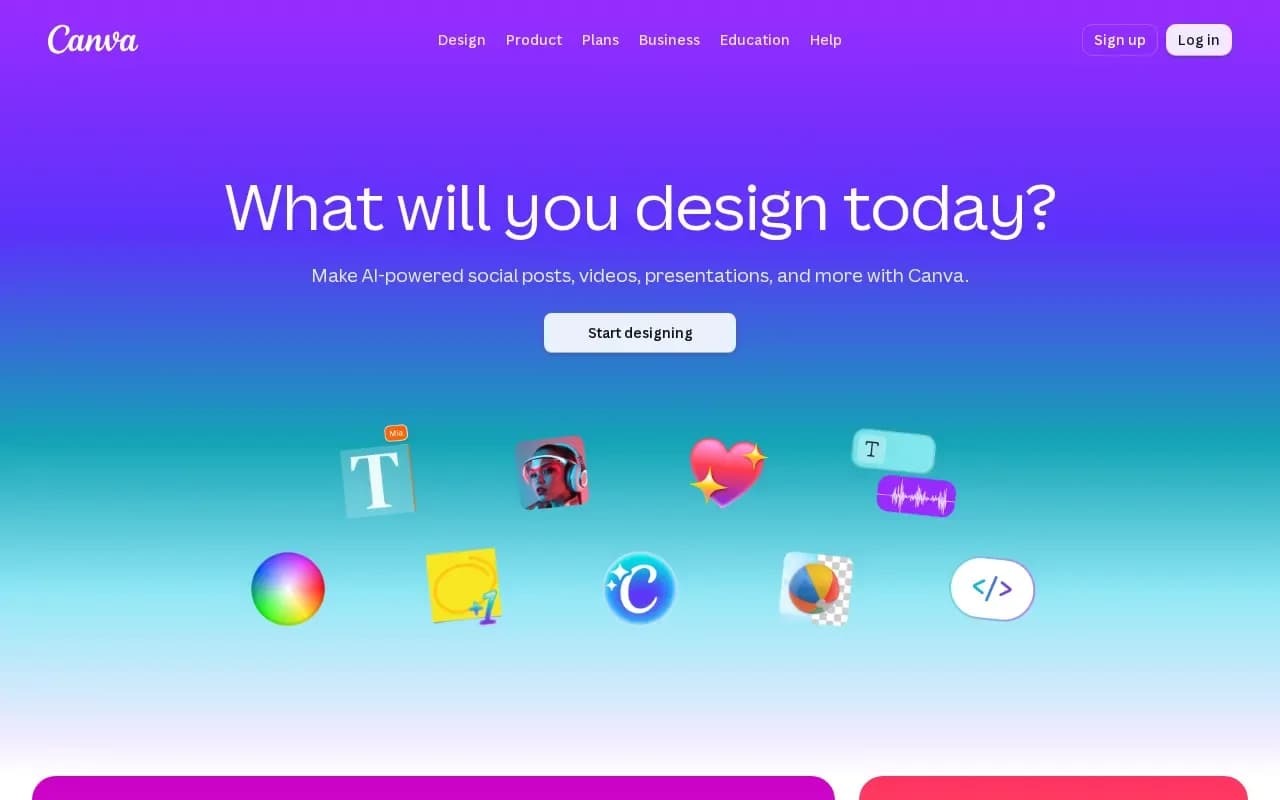
Canva is a design platform for social posts, videos, presentations, documents and print products, built mostly around templates. It includes AI tools such as Magic Write, Magic Resize, Magic Eraser and image, video and voice generators.
Canva has a free plan with 5GB of cloud storage, one Brand Kit and up to 20 AI uses. Pro is US$144 per year for one person and adds 100GB of storage, five Brand Kits, a background remover and social content scheduling. Canva's pricing page has a monthly and a yearly toggle, with yearly billing advertised as saving at least 16%.
Business is US$250 per year per person, billed only for members who accept invitations. Enterprise has no public price. Canva Teams is closed to new sign-ups. Nonprofits and K-12 schools can use most premium features free.
Canva compared
Alternatives to Canva

Adobe's design, photo and video app for quick social posts, flyers and short videos, with Firefly AI tools.
- Freemium
What users say
Write a reviewNo user reviews yet. If you’ve used Canva, share what you used it for and how it went.
Last updated 16 October 2026. Facts checked against the official site on 16 October 2026. How we make money