
Audacity
Free, open source app for recording and editing audio on Windows, macOS and Linux.
Our verdict
What it does well
- Free, and the site says it will always remain free for everyone
- Source code is published under the GNU General Public License v3
- Imports and exports WAV, MP3, FLAC and Ogg; supports VST3 and Nyquist plugins
Where it falls short
- Fewer built-in podcast and restoration workflows than Audition's feature list
- Version 4 changes the interface compared with earlier releases
- Optional Audio.com and cloud storage services are promoted alongside the app
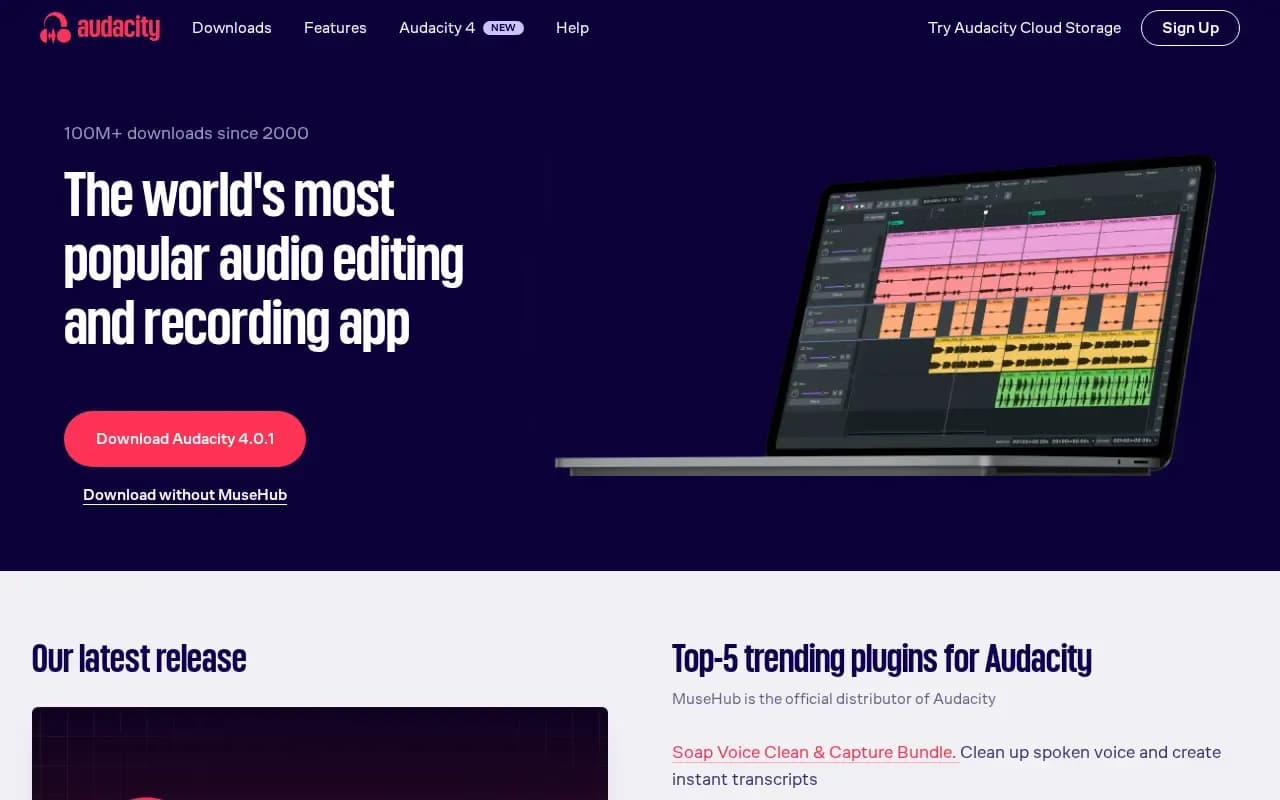
Audacity is a free, open source app for recording and editing audio. It imports, exports and converts major formats including WAV, MP3, FLAC and Ogg, supports third-party plugins such as VST3 and Nyquist, and offers a spectrogram view and Vamp analyzers. The current version listed is 4.0.1, which adds an updated interface and Workspaces.
Audacity is free to download for Windows (x86_64 and ARM64), macOS (universal, Apple Silicon and Intel) and Linux (x86_64 and ARM64 AppImages). The source code is available, and the project's licence file is the GNU General Public License version 3.
Audio.com is an optional companion service for sharing and versioned backups. The download page also promotes Audacity Cloud Storage and MuseHub plugins; Audacity itself needs neither.
Audacity compared
Alternatives to Audacity

Adobe's audio workstation for multitrack mixing, editing, podcast production and audio restoration.
- Paid
What users say
Write a reviewNo user reviews yet. If you’ve used Audacity, share what you used it for and how it went.
Last updated 16 October 2026. Facts checked against the official site on 16 October 2026. How we make money