Zotero
Free reference manager that collects, organises, annotates and cites research sources.
Free plan available
Our verdict
What it does well
- Free to use, with 300 MB of free sync storage
- Over 9,000 citation styles; works with Word, LibreOffice and Google Docs
- Free shared libraries and group collaboration
Where it falls short
- Free storage is only 300 MB; 2 GB costs $20/year, unlimited $120/year
- Group libraries draw on the group owner's storage
- Separate paid plans exist for labs and institutions
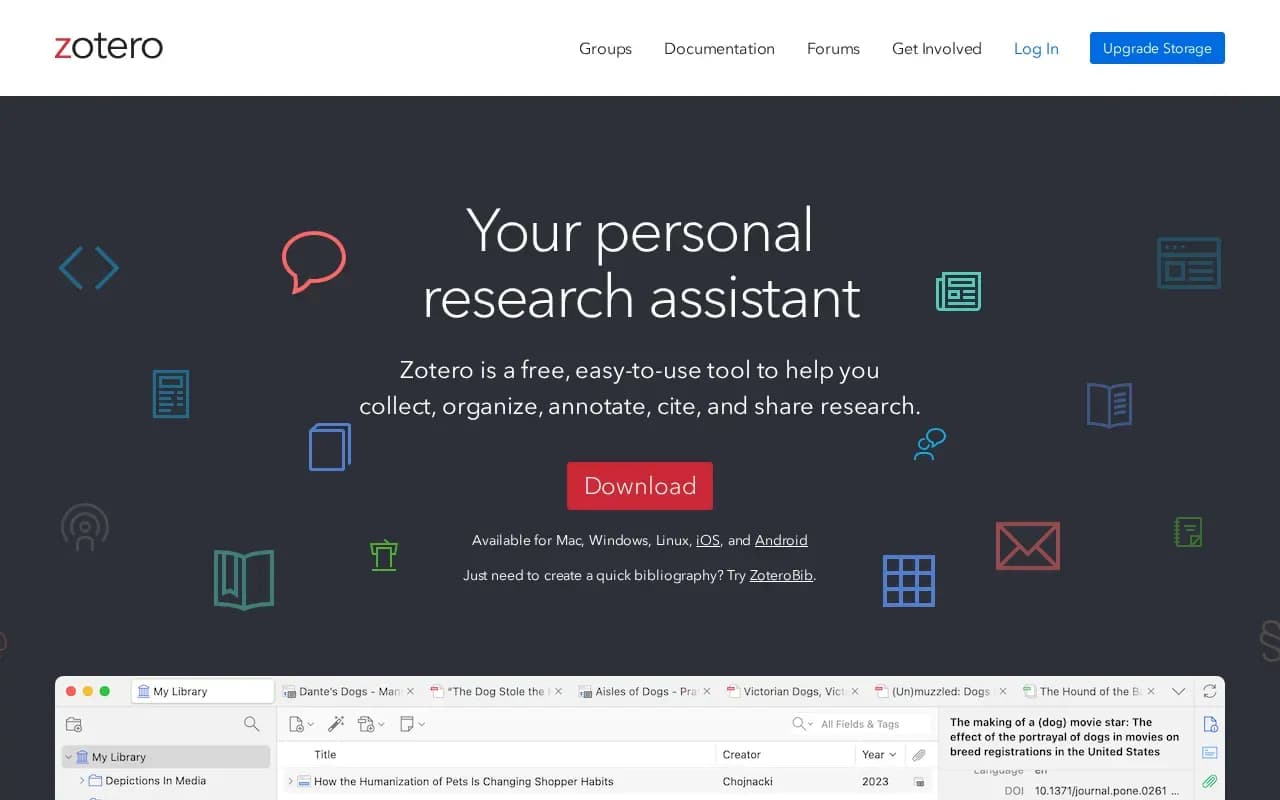
Zotero describes itself as a research assistant for collecting, organising, annotating, citing and sharing research. It detects research as you browse, lets you sort items into collections with tags and saved searches, and creates citations and bibliographies in Word, LibreOffice and Google Docs with over 9,000 citation styles. It is available for Mac, Windows, Linux, iOS and Android.
The app is free. Syncing is optional, and synced data can be reached from any web browser. Zotero Storage is billed annually in USD: 300 MB free, 2 GB at $20 per year, 6 GB at $60 per year and unlimited at $120 per year. Group libraries can use Zotero Storage at no extra charge but draw from the group owner's storage, and separate plans exist for labs and institutions.
The Zotero source code is distributed under the GNU Affero General Public License version 3 by the Corporation for Digital Scholarship.
What users say
Write a reviewNo user reviews yet. If you’ve used Zotero, share what you used it for and how it went.
Last updated 17 October 2026. Facts checked against the official site on 16 October 2026. How we make money