
VLC media player
Free, open-source player that plays most video and audio files, discs and network streams.
Our verdict
What it does well
- Plays most media files, DVDs, Audio CDs, VCDs and streaming protocols
- Hardware decoding on most platforms, with software fallback
- Site states no spyware, no ads and no user tracking
Where it falls short
- Desktop release on the site is the 3.0 series; 4.0 is still marked as in development
- Focused on playback and streaming, not a media library or server
- Primarily a player and multimedia engine, not a library manager or server
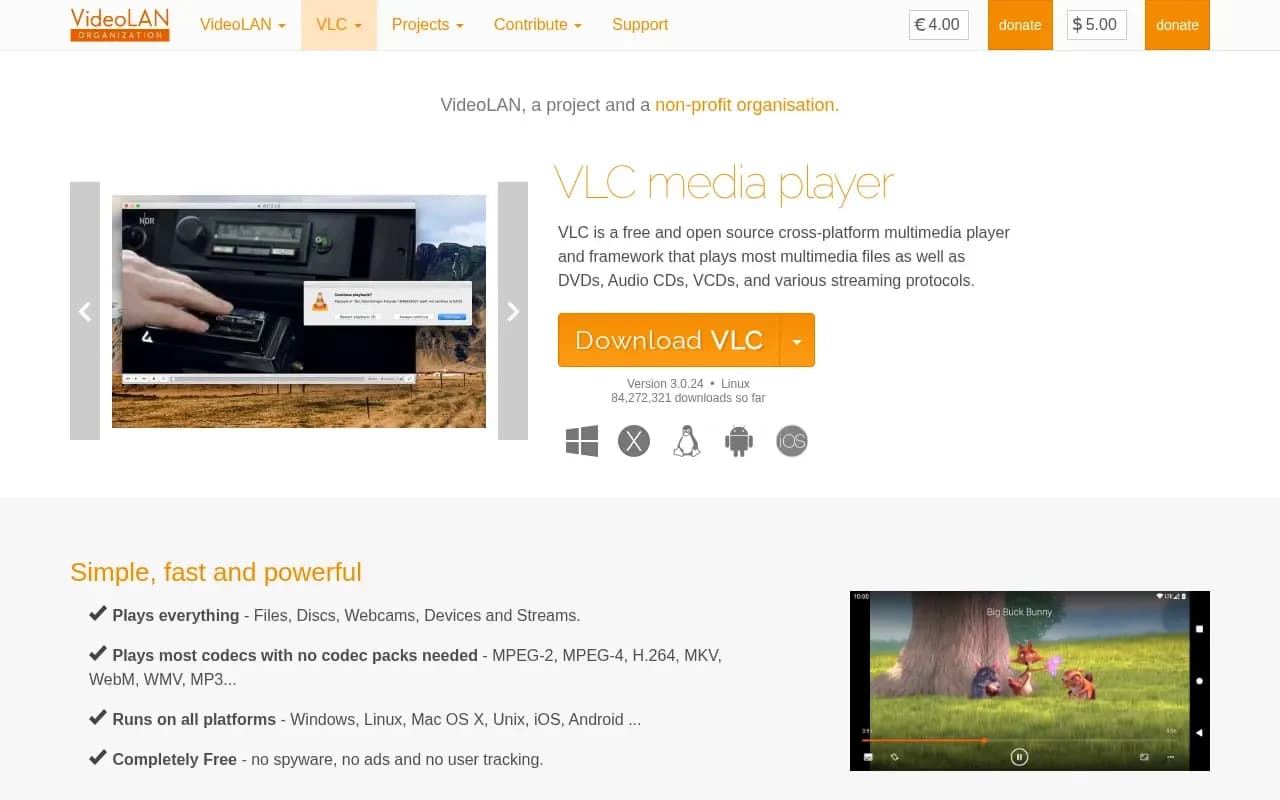
VLC is a free and open source cross-platform multimedia player and framework from the VideoLAN project, a non-profit organisation. It plays files, discs, webcams, devices and streams, and can also convert, encode and stream media.
VLC is available for Windows, macOS, Linux and BSD, Android (including Android TV and Android Auto) and iOS (including Apple TV and iPadOS). The VLC engine, libVLC, can be embedded in other applications.
VLC costs nothing and has no paid tier. The project accepts donations. Per the repository README, VLC is released under GPLv2 or later, and libVLC under LGPLv2 or later.
What users say
Write a reviewNo user reviews yet. If you’ve used VLC media player, share what you used it for and how it went.
Last updated 17 October 2026. Facts checked against the official site on 16 October 2026. How we make money