
TickTick
To-do list app with a built-in calendar, habit tracker and Pomodoro timer.
Free plan available
Our verdict
What it does well
- Free plan includes lists, reminders and sync across all your devices.
- Calendar, habit tracker and Pomodoro timer are built in, so you don't need separate apps.
- Apps for Windows, macOS, Linux, Android, iOS and the web.
- Students and educators get 25% off Premium.
Where it falls short
- Free plan caps you at 9 lists and 99 tasks per list.
- Multiple calendar views, themes and most AI features need Premium.
- Free plan allows only 2 reminders per task.
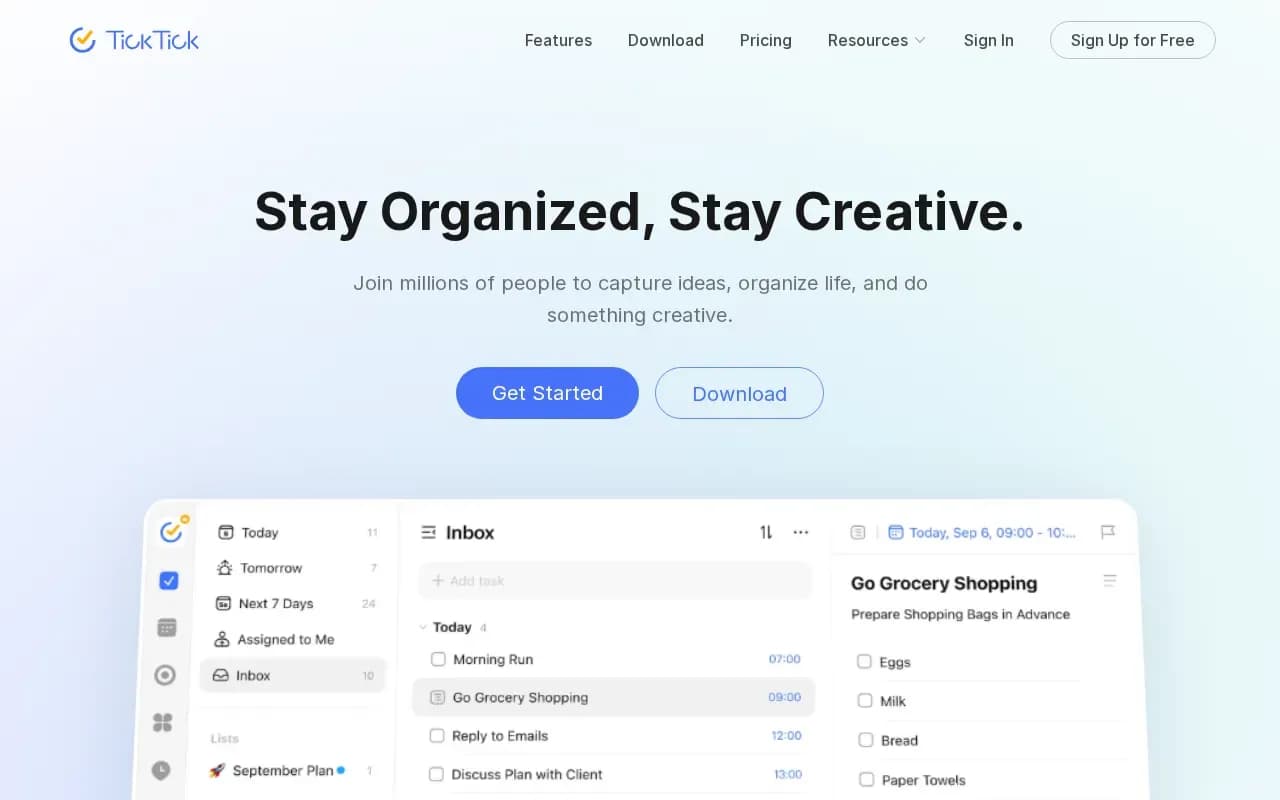
TickTick is a to-do list app that also covers your calendar, habits, focus time and quick notes. Tasks can be shown as a list, Kanban board, timeline or Eisenhower matrix, and reminders use natural language when you type dates.
There is a free plan with lists, reminders and cross-platform sync, limited to 9 lists and 99 tasks per list. Premium costs US$49.99 a year and raises the limits to 299 lists and 999 tasks per list, adds multiple calendar views, more reminders, themes and AI features. Students and educators can get 25% off.
It runs on Windows, macOS, Linux, Android and iOS, with a browser extension and a web app. The catch is that the calendar and habit extras that make it stand out are mostly part of the paid plan.
What users say
Write a reviewNo user reviews yet. If you’ve used TickTick, share what you used it for and how it went.
Last updated 4 November 2026. Facts checked against the official site on 26 October 2026. How we make money