Sumatra PDF
Free, small Windows reader for PDF, ebook and comic files, with a portable version.
Our verdict
What it does well
- Free, with no ads, bundled software or subscription
- Opens PDF, EPUB, MOBI, CBZ/CBR, DjVu, XPS, CHM and image files
- Portable version runs without installation, including from a USB drive
Where it falls short
- Windows only; no Mac or Linux version
- Described as a reader, not an editor, so it does not edit PDFs
- Official page lists Windows 7, 8, 10 and 11 only
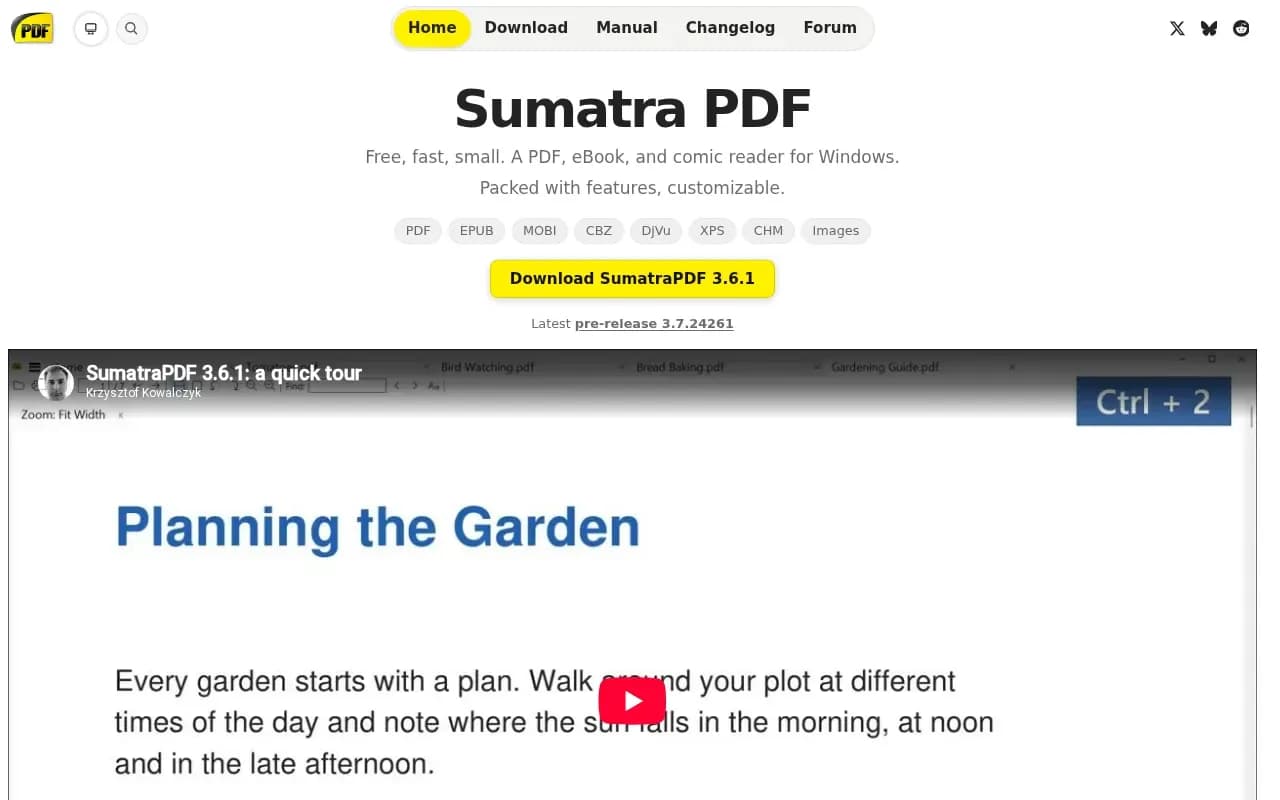
Sumatra PDF calls itself a free PDF, eBook and comic reader for Windows, with the line 'Free, fast, small.' It opens PDF, EPUB, MOBI, CBZ and CBR comics, DjVu, XPS, CHM and common image files.
It costs nothing, and the site states there are no ads, bundled software or subscription. Builds are offered for 32-bit, 64-bit and ARM64 Windows, from Windows 7 to Windows 11, and a portable version needs no installation.
The source is on GitHub. The repository's COPYING file is the GNU GPL version 3, and the README says the project is under (A)GPLv3, with some code under a BSD licence.
What users say
Write a reviewNo user reviews yet. If you’ve used Sumatra PDF, share what you used it for and how it went.
Last updated 17 October 2026. Facts checked against the official site on 16 October 2026. How we make money