
ShareX
Free open-source Windows tool for screenshots, screen recording and uploading captures.
Our verdict
What it does well
- Free, with no ads or account required per the site
- Region, window, scrolling capture plus screen and GIF recording
- Uploads to many destinations and supports custom uploaders
Where it falls short
- Windows only
- Many options and tools can take time to learn
- Site lists no paid support
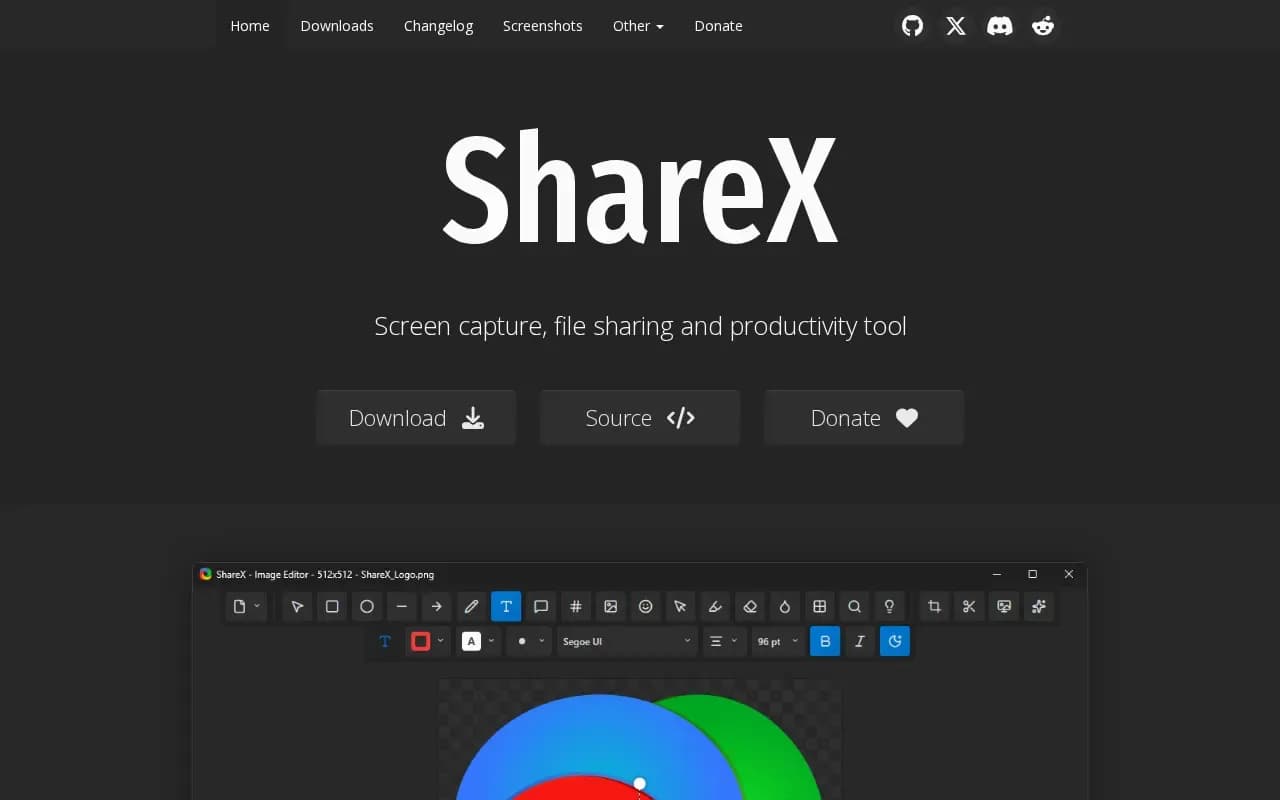
ShareX is a screen capture, file sharing and productivity tool for Windows. It captures full screen, region, active window, monitor and scrolling screenshots, and records screen video and GIFs, with after-capture tasks such as copy, save, edit, upload, OCR and QR code scanning.
It includes an image editor with annotation tools (shapes, text, blur, pixelate, crop) and tools such as a colour picker, ruler, image converters and resizers. Captures, files, text and URLs can be uploaded to many destinations, including custom uploaders.
The site calls it completely free and free forever, with no advertisements and no account required. Downloads are a setup installer, a portable version, a dev build, the Microsoft Store and Steam. A Donate page is linked. The GitHub repository shows the GPL-3.0 licence.
What users say
Write a reviewNo user reviews yet. If you’ve used ShareX, share what you used it for and how it went.
Last updated 17 October 2026. Facts checked against the official site on 16 October 2026. How we make money