Procreate
Drawing and painting app for iPad, sold with no subscription through the App Store.
Our verdict
What it does well
- No subscription: Procreate says it is sold exclusively from the App Store
- Over 300 brushes, plus a brush editor (Brush Studio)
- Includes Page Assist, time-lapse playback and painting on 3D models
Where it falls short
- iPad only; iPhone needs the separate Procreate Pocket app
- Needs iPadOS 16.3 or newer (Procreate 5.4.14)
- No free trial mentioned on the official site
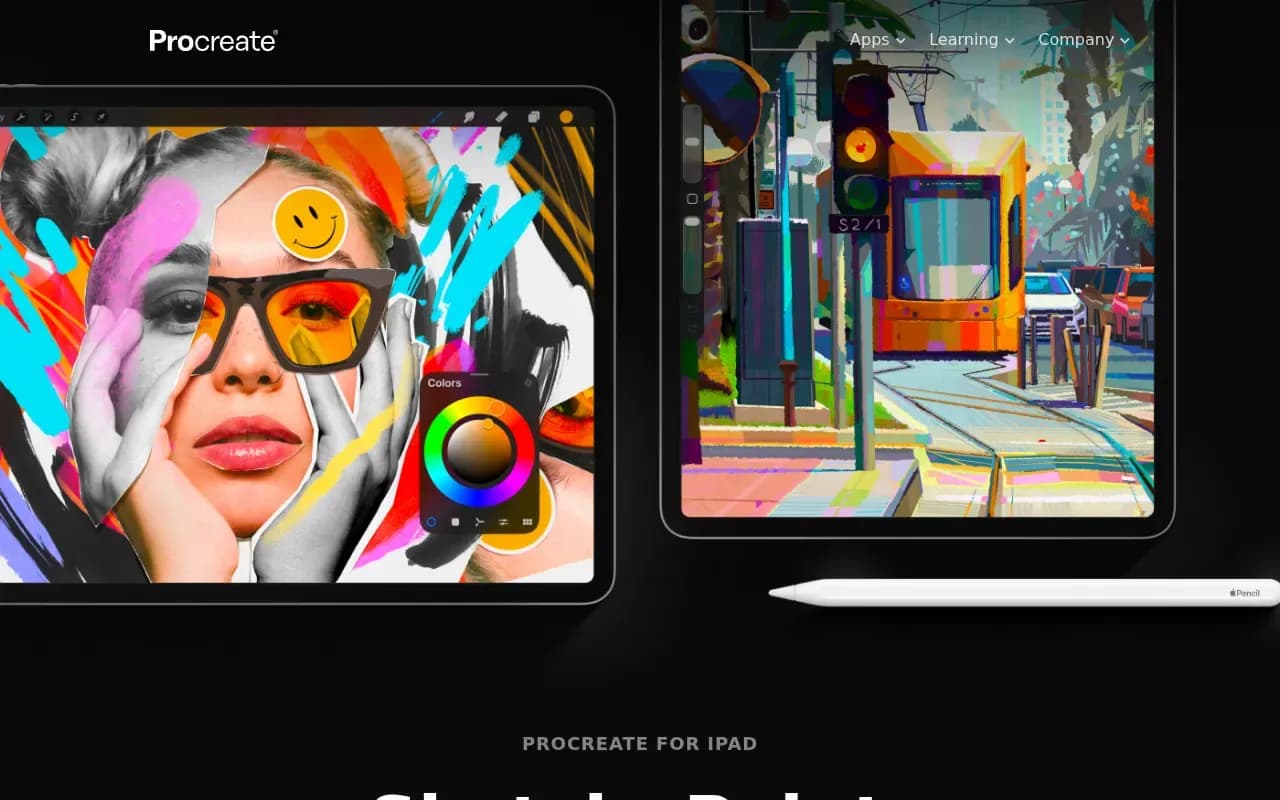
Procreate describes its iPad app as a drawing and painting app, with over 300 brushes, Apple Pencil support, layers with blend modes, selections, transform and warp tools, and time-lapse playback. Page Assist handles multi-page work such as comics, and you can paint on 3D models in .USDZ and .OBJ formats.
Procreate's site says there are no subscriptions and that the app is sold exclusively from the App Store. The site does not show a price; the App Store listing shows $12.99 (US) with no in-app purchases listed. The current help page says Procreate 5.4.14 needs iPadOS 16.3 or newer.
iPhone users get a separate product, Procreate Pocket, which the site describes as iPhone only and also sold with no subscriptions through the App Store.
Procreate compared
Open source alternatives to Procreate
Free to use, with code anyone can inspect.
Free, open-source painting program for digital art, with brush engines and animation.
- Free
- Open source
What users say
Write a reviewNo user reviews yet. If you’ve used Procreate, share what you used it for and how it went.
Last updated 16 October 2026. Facts checked against the official site on 16 October 2026. How we make money