Microsoft PowerToys
Free Microsoft collection of Windows utilities such as FancyZones, PowerToys Run and PowerRename.
Our verdict
What it does well
- Free and MIT-licensed, with source on GitHub
- Over 30 utilities, including window layouts, bulk rename and key remapping
- Installs from GitHub, Microsoft Store or WinGet
Where it falls short
- Windows only
- Large bundle; you may only want a few of the utilities
- Some utilities include optional AI features
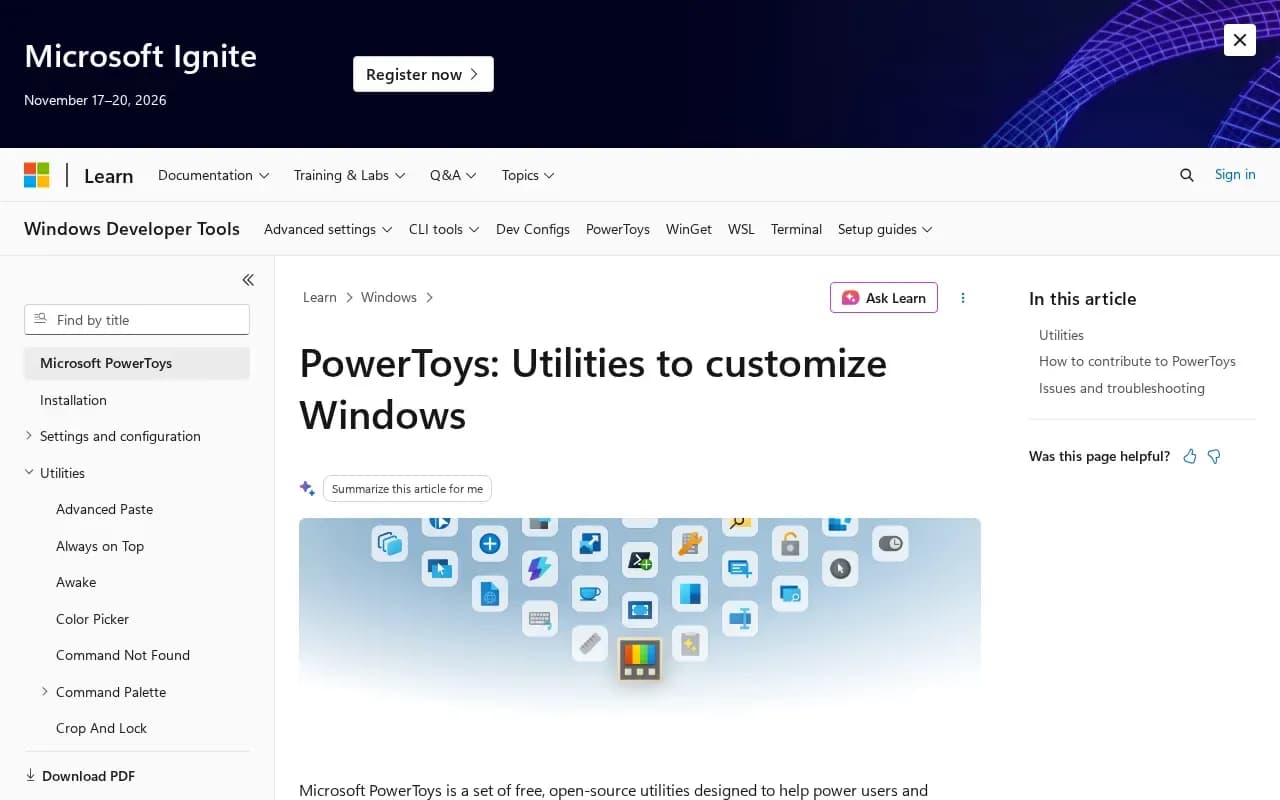
Microsoft PowerToys is a collection of utilities that help you customise Windows and streamline everyday tasks. The GitHub page lists over 30, including FancyZones (window layouts), PowerToys Run and Command Palette (launchers), PowerRename (bulk renaming with regex), Keyboard Manager, Color Picker, Text Extractor (OCR), Image Resizer, File Locksmith, Mouse Without Borders and ZoomIt.
It is free and open source. The repository carries the MIT licence, copyright Microsoft Corporation. Microsoft's docs describe it as a set of free, open-source utilities for power users and developers on Windows.
It can be installed from the GitHub releases page (.exe installers), the Microsoft Store, or WinGet, with user-scope or machine-wide options.
What users say
Write a reviewNo user reviews yet. If you’ve used Microsoft PowerToys, share what you used it for and how it went.
Last updated 17 October 2026. Facts checked against the official site on 16 October 2026. How we make money