
Photopea
Image editor that runs in your browser and opens PSD, RAW, AI, SVG and 40 more formats.
Free plan available
Our verdict
What it does well
- Opens and saves PSD plus more than 40 formats, including RAW camera files
- Runs in the browser with nothing to install, and files are processed on your device, not uploaded
- Full editing feature set available free, including AI background removal
Where it falls short
- The free version shows advertisements
- Premium and business prices are not published on any public page
- No native desktop or mobile apps — it is a web app
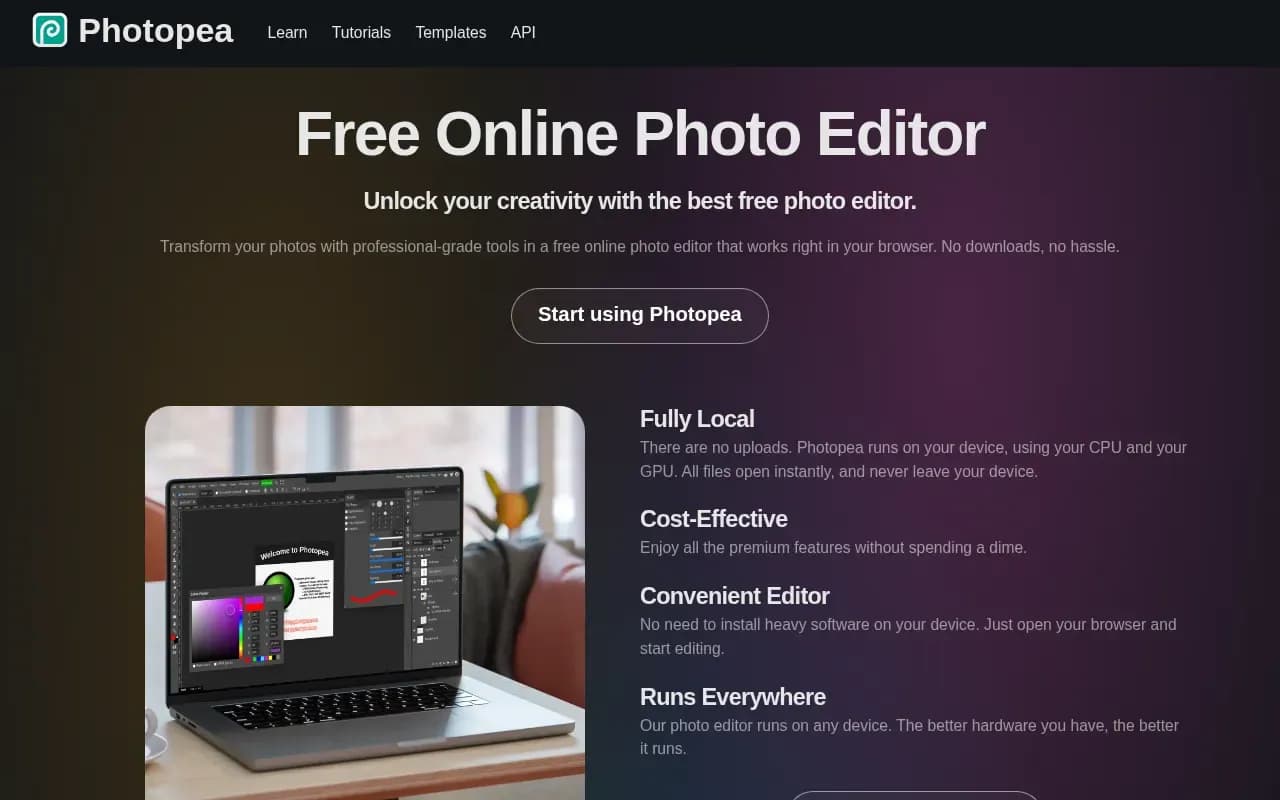
Photopea is an online image editor that runs entirely in your browser. It offers layers, masks, smart objects and filters like Curves, Gaussian Blur and Liquify, plus AI features such as one-click background removal. It opens and saves PSD files and over 40 other formats, including SVG, PDF, AI, Sketch/Figma files and camera RAW.
It is free to use, and the site stresses that there are no uploads — Photopea runs on your device using your CPU and GPU. Editing is financed by ads; the API page confirms a paid whitelabel 'Distributor' option that hides advertising and branding for business deployments, and a Premium account exists.
The catches: Photopea is proprietary (its GitHub repository hosts issues and API docs, not the app's source), the free version carries ads, and Premium pricing is only shown inside the app rather than on a public pricing page — photopea.com/pricing returns a 404.
What users say
Write a reviewNo user reviews yet. If you’ve used Photopea, share what you used it for and how it went.
Last updated 4 November 2026. Facts checked against the official site on 2 November 2026. How we make money