PhotoCraft
Free, open-source layered image editor that opens and saves PSD files, written in Rust.
Our verdict
What it does well
- Layers, masks, adjustment layers, layer styles and live type
- Opens, edits and saves PSD and PSB files
- Free, open source, and runs offline on desktop
Where it falls short
- Early alpha; README says it is not yet a Photoshop replacement for daily pro work
- No AI or generative features; README lists 15 missing tools
- No plug-in compatibility with Photoshop
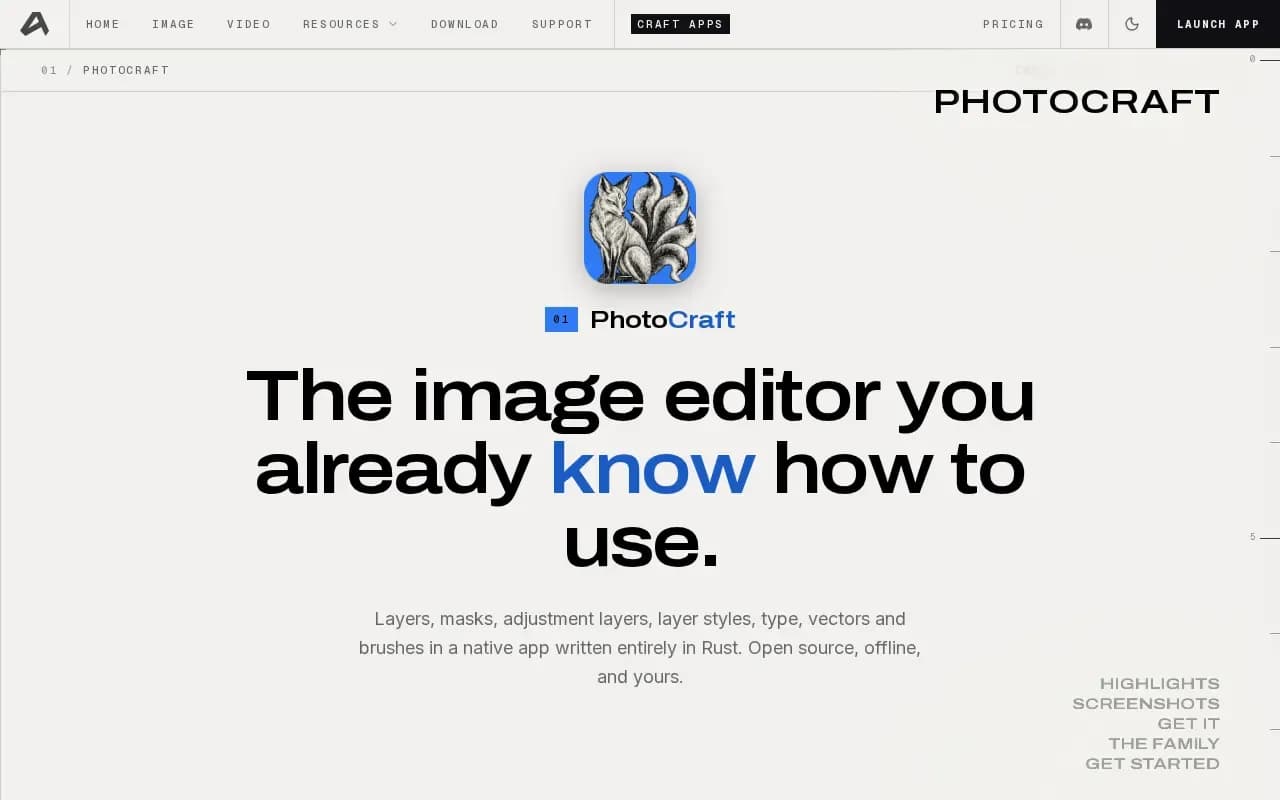
PhotoCraft is a native image editor written in Rust. It has layers, masks, adjustment layers, layer styles, type, vector shape tools and a brush engine, and it lists 67 tools in its README. It opens and saves layered PSD and PSB files, plus formats such as PNG, JPEG, TIFF and WebP.
It runs on Windows, macOS, Linux and FreeBSD, and a WebAssembly build runs in the browser. The README also says every action is a command, so the editor can be driven from a command-line tool or an MCP server.
The README calls it an early alpha. It says the biggest gaps are AI and generative features, 15 missing tools, typography depth, pro workflows and plug-in compatibility.
Alternatives to PhotoCraft

Image editor for photo editing and compositing, with generative AI tools, sold by subscription.
- Paid
What users say
Write a reviewNo user reviews yet. If you’ve used PhotoCraft, share what you used it for and how it went.
Last updated 16 October 2026. Facts checked against the official site on 16 October 2026. How we make money