
Ollama
Command-line app and local server for downloading and running open AI models on your own computer.
Free plan available
Our verdict
What it does well
- MIT-licensed source code on GitHub
- Pricing page says running models on your own hardware is always unlimited
- Installs on macOS, Windows and Linux
Where it falls short
- Mainly a command-line and server tool; needs another app for a full chat interface
- Speed depends on your hardware; large models are slow without a strong GPU
- Cloud models need a paid plan or purchased credits beyond starter credits
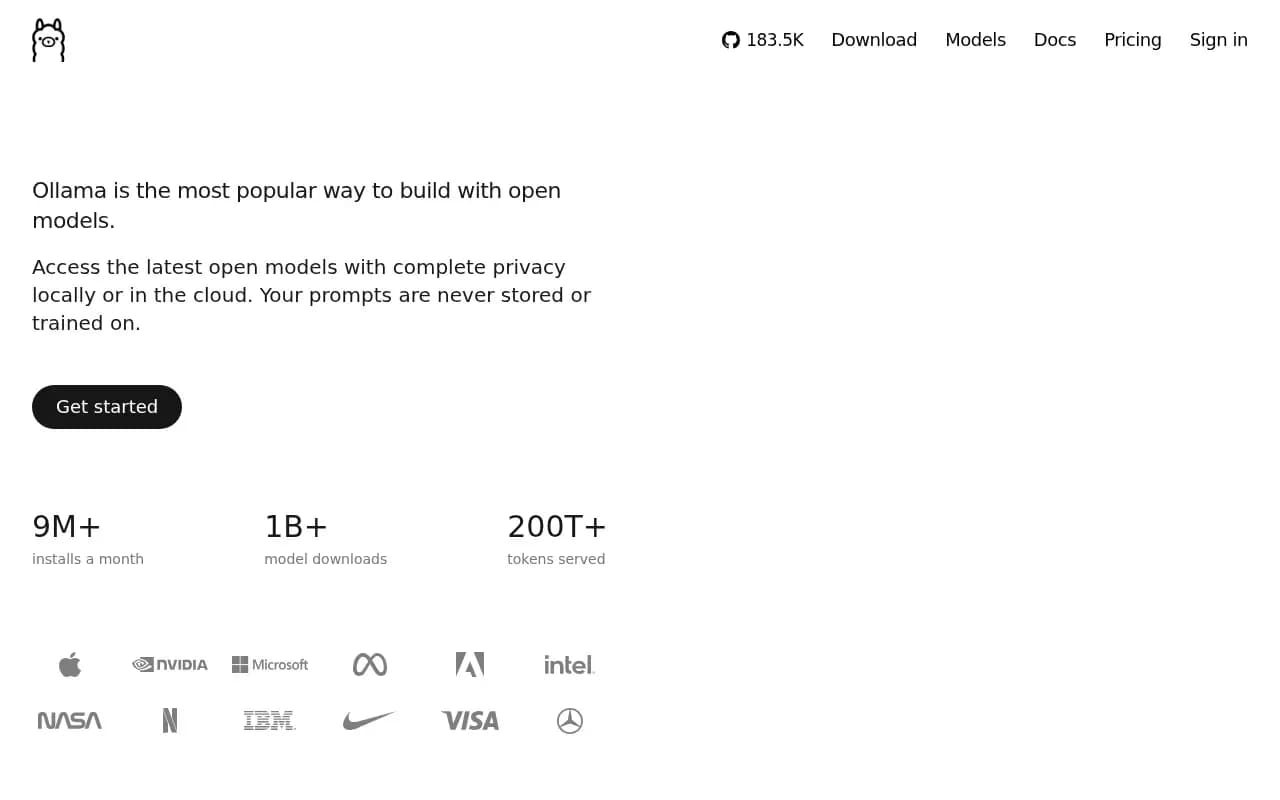
Ollama downloads open AI models and runs them on your own computer, then serves them through a local server that other apps can connect to. The source code is in the ollama/ollama GitHub repository under the MIT licence. It is available for macOS, Windows and Linux.
The Free plan is $0 and, per the pricing page, includes local model runs, starter credits and starter models; the page says 'Running models on your own hardware is always unlimited.' Optional cloud models use usage credits: Pro is $20/mo ($200/yr billed annually, $60 of monthly credits), Max is $100/mo, Team is $500/mo (early access) and Enterprise is custom.
Hardware: macOS needs macOS 14 (Sonoma) or newer, on Apple silicon (CPU and GPU) or x86 (CPU only); Windows needs Windows 10 22H2 or newer with at least 4GB of disk space for the install. The download page gives no other minimums.
Ollama compared
Alternatives to Ollama

OpenAI's AI chat assistant for text, voice, images, research and coding, on web, desktop and mobile.
- Freemium

Desktop app for downloading, chatting with and serving open AI models on your own computer.
- Freemium
What users say
Write a reviewNo user reviews yet. If you’ve used Ollama, share what you used it for and how it went.
Last updated 16 October 2026. Facts checked against the official site on 16 October 2026. How we make money