Notepad++
Free source code editor for Windows, built on Scintilla, that can replace Windows Notepad.
Our verdict
What it does well
- Free to use and open source under the GPL
- Written in C++ with the Win32 API, which the site says keeps it small and fast
- Supports many programming and human languages
Where it falls short
- Windows only; no macOS or Linux version from the project
- Describes itself as a source code editor, not an IDE
- Site lists no paid support option
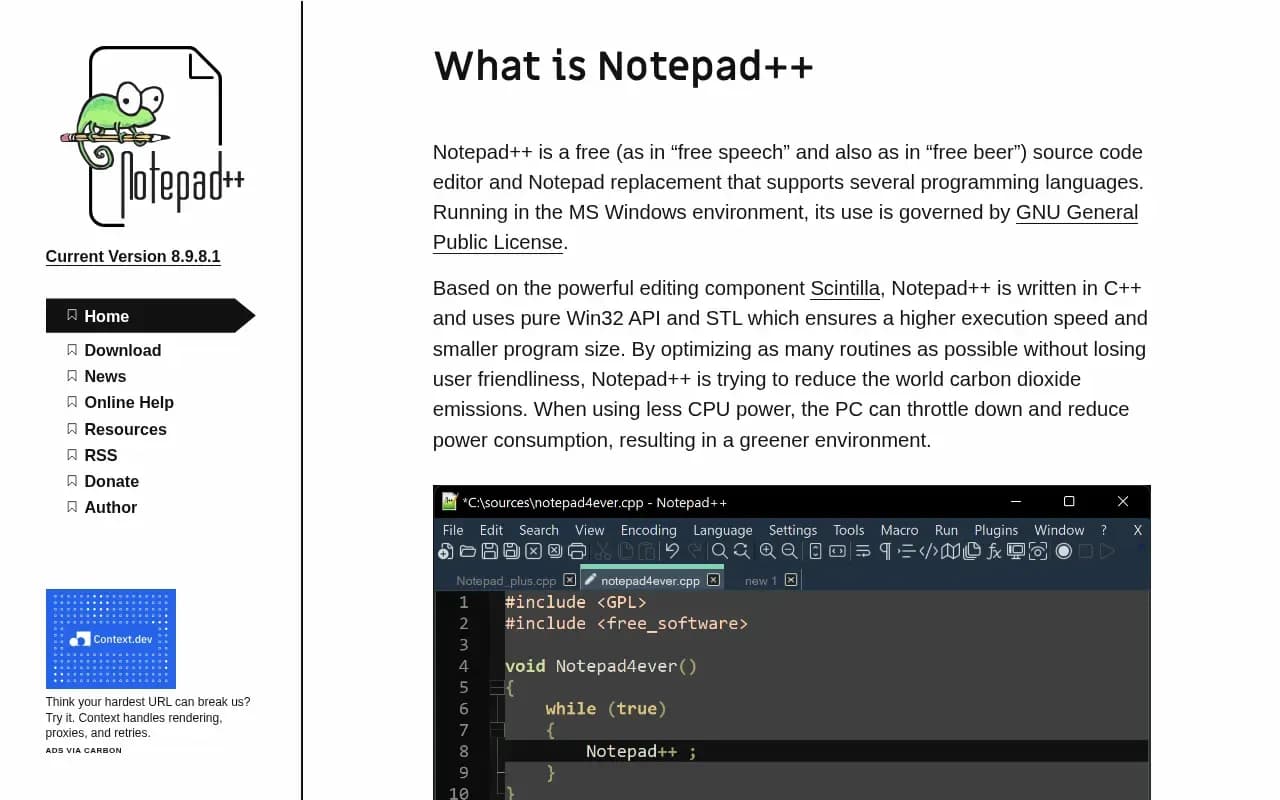
Notepad++ describes itself as a free source code editor and a replacement for Windows Notepad. It supports several programming languages and is built on the Scintilla editing component. The site says it is written in C++ using the pure Win32 API and STL for higher execution speed and smaller program size. The current version on the site is 8.9.8.1.
It is free with no paid plan. The website has a Donate link, but donations are optional. The GitHub README says all the Windows systems still supported by Microsoft are supported.
The repository's LICENSE file says Notepad++ is distributed under GPL version 3 with clarifications and exceptions.
Notepad++ compared
Alternatives to Notepad++

Paid code, markup and prose editor for Windows, macOS and Linux with a free evaluation.
- Paid
What users say
Write a reviewNo user reviews yet. If you’ve used Notepad++, share what you used it for and how it went.
Last updated 17 October 2026. Facts checked against the official site on 16 October 2026. How we make money