
Microsoft Edge
Microsoft's web browser with Copilot, energy saver and sleeping tabs, for desktop and mobile.
Our verdict
What it does well
- Copilot works across tabs; one-click tab cleanup
- Energy saver, Startup boost and Sleeping tabs for performance and battery
- Syncs passwords, favorites and settings across devices
Where it falls short
- Does not support Chromebooks, per Microsoft's documentation
- Needs macOS 13 or later for Edge 151 and newer; Android 10+ with ARM chip
- Linux builds cover only 64-bit Ubuntu, Debian, openSUSE and Fedora officially
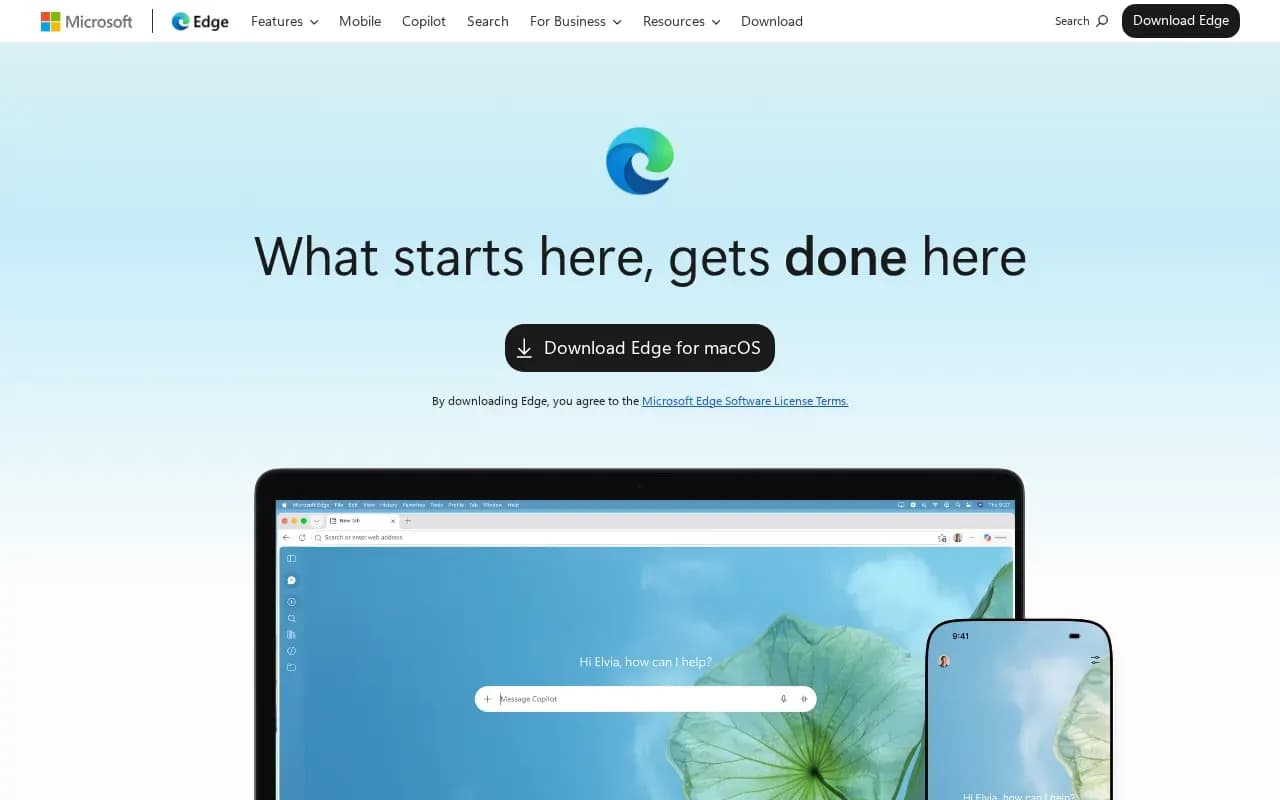
Microsoft Edge is Microsoft's web browser. Its site lists Copilot that works across tabs, energy saver, Startup boost, Sleeping tabs, AI-powered tab cleanup, password management, Microsoft Defender SmartScreen, Edge Secure Network and sync of passwords, favorites and settings across devices.
Microsoft's download page offers Edge for Windows, macOS, Linux (.deb), iOS and Android, and its education page says 'Get Microsoft Edge for free'. The main pages do not otherwise state a price.
Microsoft's documentation lists Windows 10 and 11, macOS 13 or later for the newest versions, 64-bit Ubuntu, Debian, openSUSE and Fedora, iOS 18 or later, and Android 10 or later.
Alternatives to Microsoft Edge
Google's web browser for desktop and mobile, with sync through a Google account and Gemini built in.
- Free
What users say
Write a reviewNo user reviews yet. If you’ve used Microsoft Edge, share what you used it for and how it went.
Last updated 16 October 2026. Facts checked against the official site on 16 October 2026. How we make money