
Lucidchart
Online diagramming tool with AI, data linking and real-time collaboration.
Free plan available
Our verdict
What it does well
- Real-time collaboration on diagrams
- Generates diagram content from text prompts with Lucid AI
- Links diagrams to Google Sheets, Excel or CSV data
Where it falls short
- Free plan: 3 editable documents
- Free plan is capped per document (60 shapes per its trial page)
- Mobile apps have no offline editing
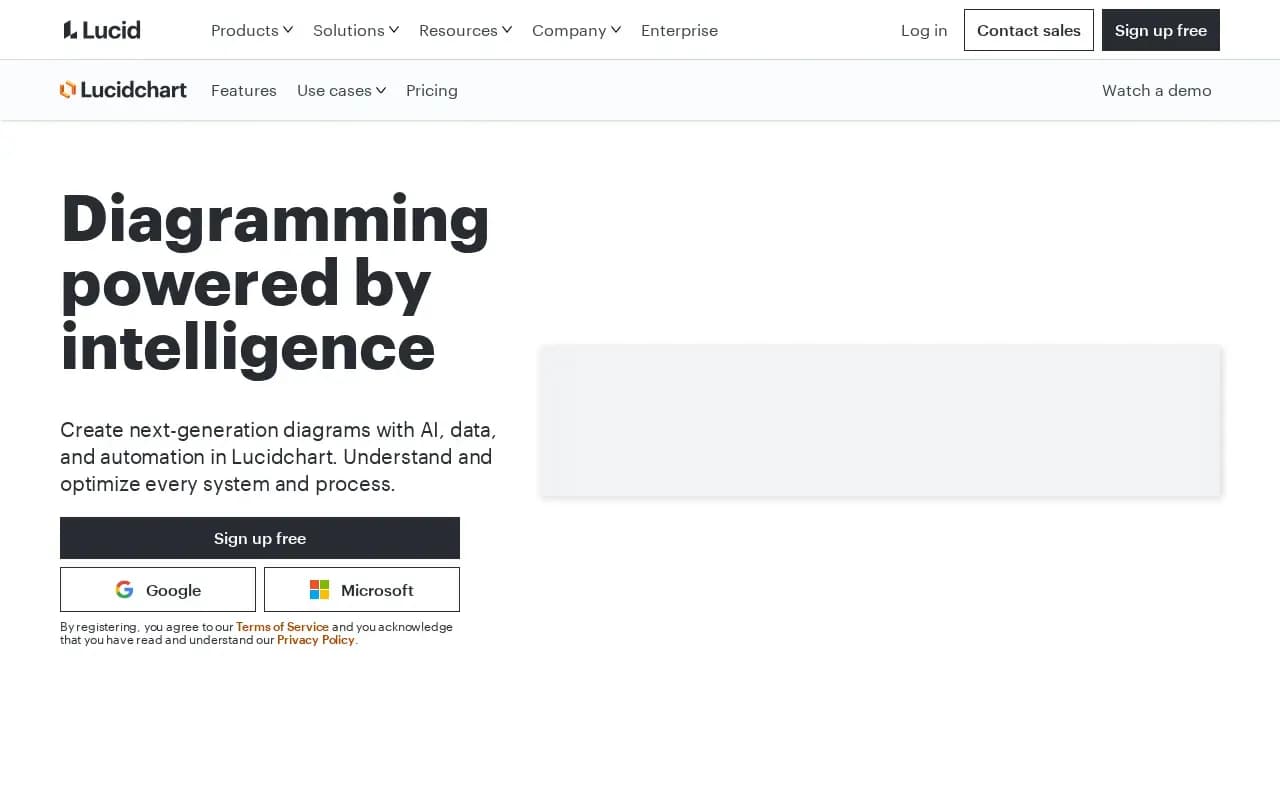
Lucidchart's page is headed 'Diagramming powered by intelligence.' Listed capabilities include Lucid AI (content from text prompts), data linking from Google Sheets, Excel or CSV, conditional formatting, UML markup that generates sequence diagrams from text, and layers. It lists integrations with Google, Microsoft, Slack, Notion, Confluence, Jira and others.
Lucidchart has a Free plan at $0 with 3 editable documents, 60 shapes per document and 100 basic templates, according to Lucid's trial page and blog. The Individual plan is shown as $9.00/month + tax on the same trial page, which offers a 7-day free trial. Lucid's blog also lists a Team plan at $10; Enterprise requires contacting sales.
Lucid's help center lists mobile apps for iOS and Android, and supports Chrome, Firefox, Edge and Safari in the browser.
Lucidchart compared
Open source alternatives to Lucidchart
Free to use, with code anyone can inspect.

Free, open source diagramming tool that runs online or as a desktop app.
- Free
- Open source
What users say
Write a reviewNo user reviews yet. If you’ve used Lucidchart, share what you used it for and how it went.
Last updated 16 October 2026. Facts checked against the official site on 16 October 2026. How we make money