
LocalSend
Free open-source app that shares files between nearby devices over your local network, like AirDrop for any platform.
Our verdict
What it does well
- Works between Windows, macOS, Linux, Android and iOS devices
- No internet, cloud server or account needed; transfers are end-to-end encrypted
- Completely free with no ads, no tracking and no hidden costs (site FAQ)
- Open source under Apache-2.0
Where it falls short
- Only works between devices on the same local network
- It shares files on demand; it does not sync or store them
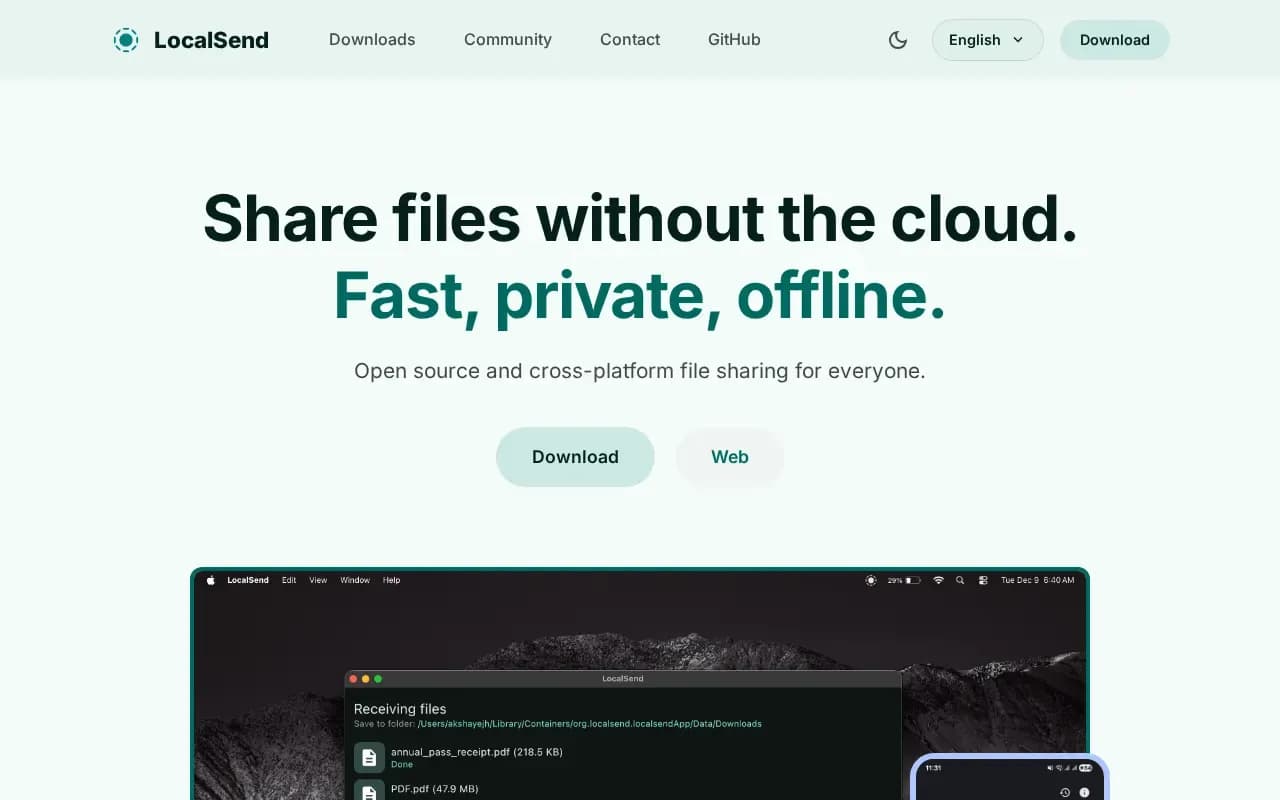
LocalSend is an open-source, cross-platform alternative to AirDrop. It sends files and messages between nearby devices over your local Wi-Fi network, with HTTPS-style end-to-end encryption generated on the fly and an optional PIN. There is a web app for receiving on devices without the app installed.
It is completely free — the project states there are no ads, no tracking and no hidden costs — and it is licensed under Apache-2.0. Apps exist for Windows, macOS, Linux (including AppImage, Snap and Flatpak), Android and iOS, plus Fire OS per the GitHub README.
The catch is scope: transfers happen device-to-device on the same network, so it is not a tool for sharing over the internet or keeping folders in sync.
What users say
Write a reviewNo user reviews yet. If you’ve used LocalSend, share what you used it for and how it went.
Last updated 4 November 2026. Facts checked against the official site on 2 November 2026. How we make money