
Kdenlive
Free, open-source video editor from the KDE community for Windows, macOS and Linux.
Our verdict
What it does well
- Free and open source, developed within the KDE community
- Multi-track editing with proxies, multicam, keyframes and colour scopes
- Runs on Windows, macOS and Linux
Where it falls short
- Developed mainly by a small team of volunteers
- Daily builds are flagged as unstable and may corrupt existing projects
- macOS builds need macOS 13 or newer; Windows needs Windows 10 or newer
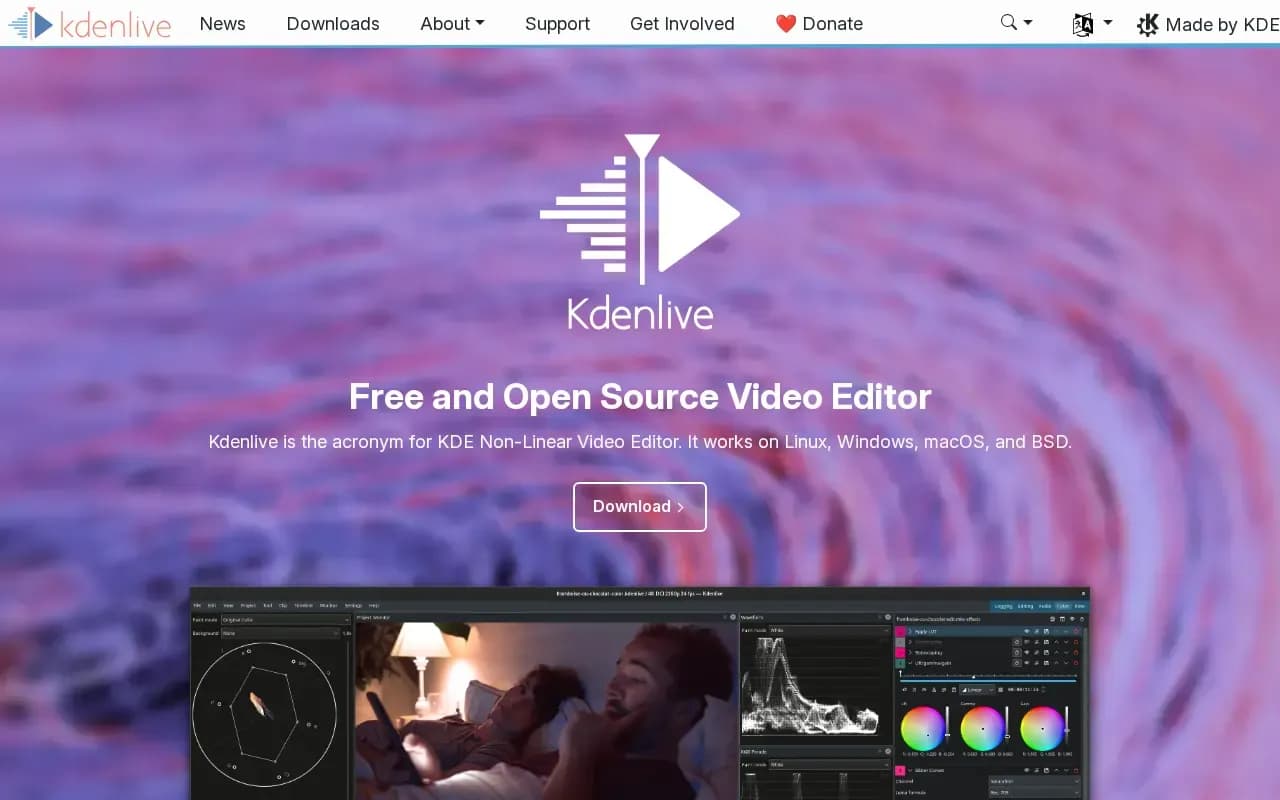
Kdenlive, short for KDE Non-Linear Video Editor, is part of the KDE community and built on the MLT framework and KDE Frameworks. Its website calls it a free and open source video editor.
The features page lists proxy files for slower hardware, multicam and nested sequences, audio mixers with voiceover recording, keyframe-animated effects and transitions, LUT support and colour scopes, and automatic transcription for subtitles.
The download page offers Windows installers (installed or standalone), a Linux AppImage and Flatpak, and macOS builds for Apple Silicon and Intel. It states no price and asks for donations.
Alternatives to Kdenlive

Adobe's video editor for cutting, color work, audio cleanup and titles, sold by subscription.
- Paid
What users say
Write a reviewNo user reviews yet. If you’ve used Kdenlive, share what you used it for and how it went.
Last updated 16 October 2026. Facts checked against the official site on 16 October 2026. How we make money