
HandBrake
Free open-source video transcoder that converts video to MP4, MKV or WebM with device presets.
Our verdict
What it does well
- Converts video from nearly any format to MP4, MKV or WebM
- Built-in device presets, batch queueing, subtitles and chapter markers
- Runs locally with no account required
Where it falls short
- Does not process copy-protected DVD or Blu-ray sources
- Desktop only, with no mobile app
- Outputs limited to MP4, MKV and WebM containers
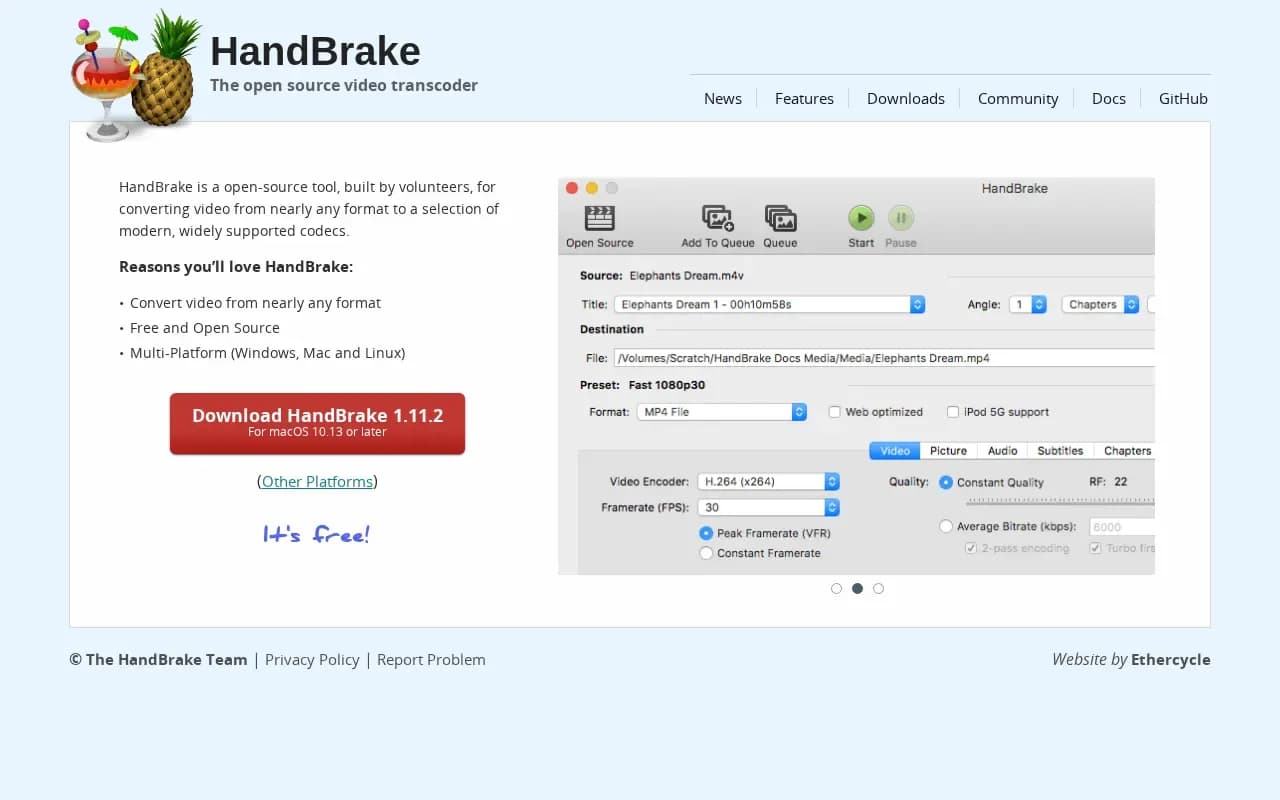
HandBrake is an open-source video transcoder built by volunteers. It converts video from nearly any format to modern, widely supported codecs. Outputs are MP4, MKV and WebM, with video encoders including AV1, H.265, H.264, VP8 and VP9, and optional hardware-accelerated encoding.
It offers built-in device presets, advanced settings for quality and bitrate, filters such as deinterlacing and denoising, subtitle support, HDR pass-through and batch scan and queue. The current version listed on the downloads page is 1.11.2, for macOS 10.13 and later, Windows 10 and later, and Linux (Flatpak or 64-bit download).
HandBrake is free, requires no account and runs entirely on your computer. Most of its source code is under GPL version 2, with some portions under a BSD 3-clause licence.
What users say
Write a reviewNo user reviews yet. If you’ve used HandBrake, share what you used it for and how it went.
Last updated 17 October 2026. Facts checked against the official site on 16 October 2026. How we make money