
Flameshot
Free open-source screenshot tool with built-in annotation for Windows, macOS and Linux.
Our verdict
What it does well
- Built-in annotation: arrows, text, blur and pixelation, shapes, counters and colour boxes
- Customisable shortcuts, interface and save behaviour, plus a command-line interface for scripting
- Free and open source under GPL v3
Where it falls short
- Still screenshots only — no screen recording
- Official builds are 64-bit only
- No mobile version
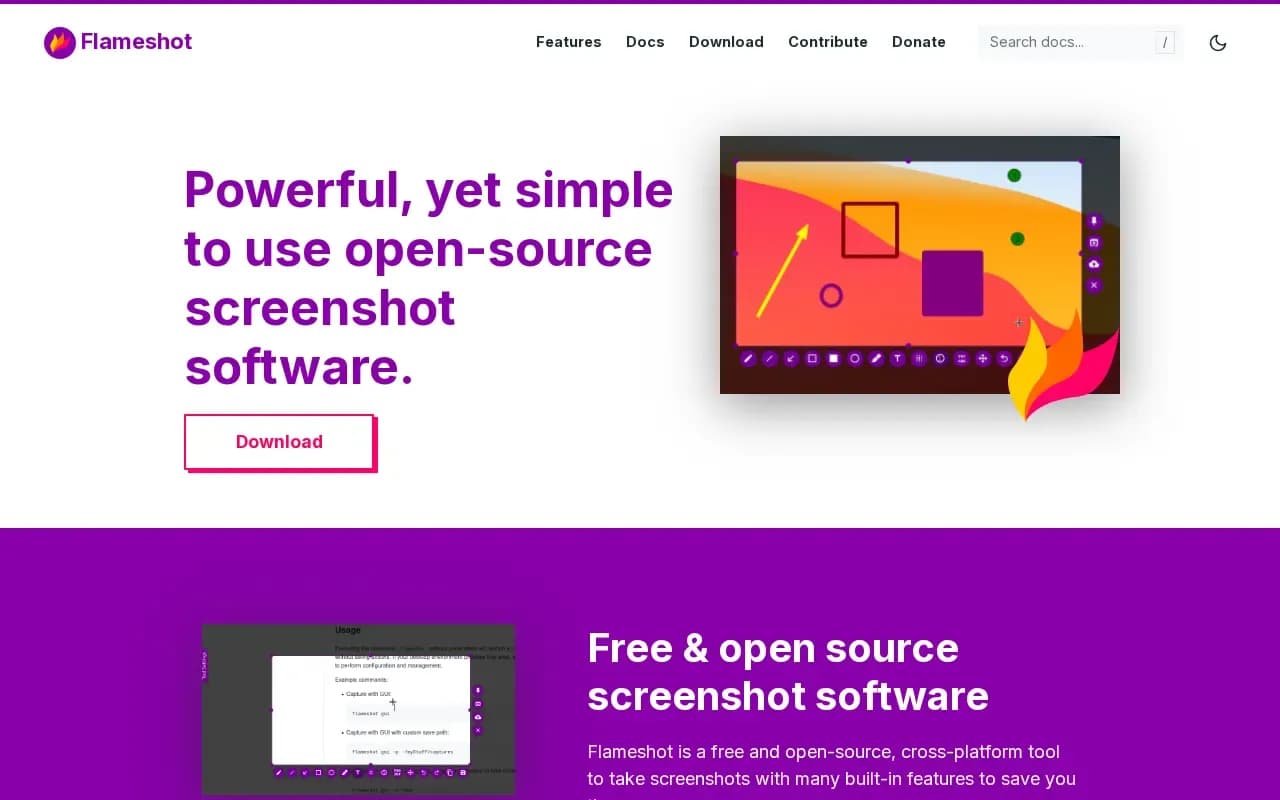
Flameshot is open-source screenshot software. You drag to select a screen area, then annotate it on the spot with arrows, text, blur or pixelation, shapes, counters and colour boxes, and customise the shortcuts and save behaviour to taste. A command-line interface lets you script captures.
It is free and licensed under GPL v3, with builds for 64-bit Windows, macOS and Linux, available through installers, Homebrew, AppImage, Snap and Flathub.
The catches: it captures still images only, not video, and there is no mobile app. Wayland users occasionally report friction, which the project documents in its setup guides.
What users say
Write a reviewNo user reviews yet. If you’ve used Flameshot, share what you used it for and how it went.
Last updated 4 November 2026. Facts checked against the official site on 2 November 2026. How we make money