Figma
Collaborative design tool for interfaces, prototypes and developer handoff, in the browser and as desktop apps.
Free plan available
Our verdict
What it does well
- Free Starter plan, so you can try it without paying
- Auto layout, components and variables for building design systems
- Runs in the browser, with desktop apps for Windows and macOS
Where it falls short
- Starter is limited: one team, one folder and 3 files per the help center
- Paid plans are priced per seat, so cost grows with team size
- No Linux desktop app; Linux users work in the browser
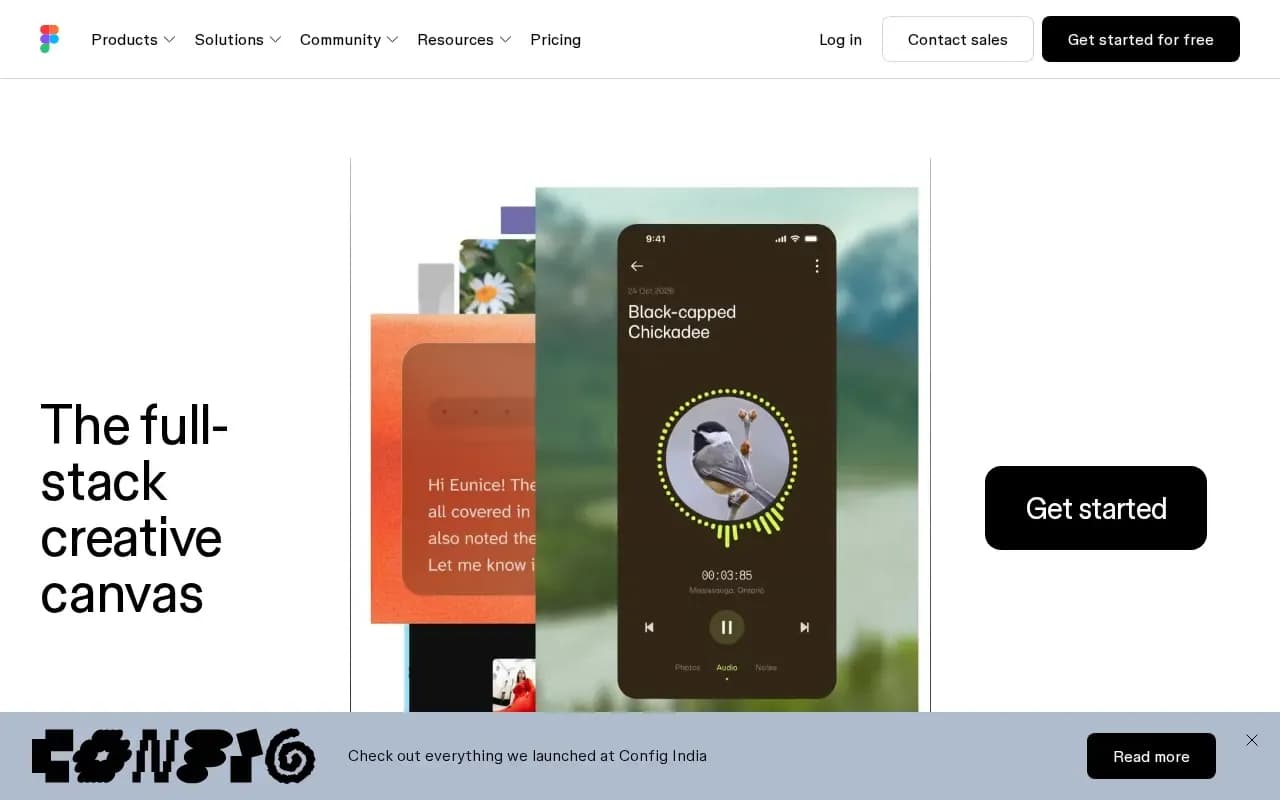
Figma is a design tool for user interfaces. Figma Design covers vector drawing, prototyping, auto layout, components and variables, and Dev Mode helps hand designs over to developers. The same site also lists related products such as FigJam (whiteboard), Figma Slides and Figma Make.
You can use Figma in a web browser, or through desktop apps for macOS and Windows and mobile apps for iOS and Android.
Pricing is per seat per month. The Starter plan is free. Professional is $16 for a Full seat, $12 for a Dev seat and $3 for a Collab seat, with a monthly or annual billing toggle. Organization (billed annually) is $55 / $25 / $5, and Enterprise (billed annually) is $90 / $35 / $5 for Full / Dev / Collab seats. Prices are in USD.
Figma compared
Open source alternatives to Figma
Free to use, with code anyone can inspect.

Open-source design and prototyping platform that runs in the browser and can be self-hosted.
- Freemium
- Open source

Free, open-source interface design and prototyping app, a clean-room take on Figma.
- Free
- Open source
What users say
Write a reviewNo user reviews yet. If you’ve used Figma, share what you used it for and how it went.
Last updated 16 October 2026. Facts checked against the official site on 16 October 2026. How we make money