darktable
Free, open-source photo workflow app and raw developer with non-destructive editing.
Our verdict
What it does well
- Free and open source under GPL 3.0
- Non-destructive raw development; originals are never modified
- Manages a photo library and can use your GPU to speed up processing
Where it falls short
- No official macOS release for Intel Macs
- Aimed at raw development, not layer-based compositing or painting
- The Flatpak build does not include the AI features
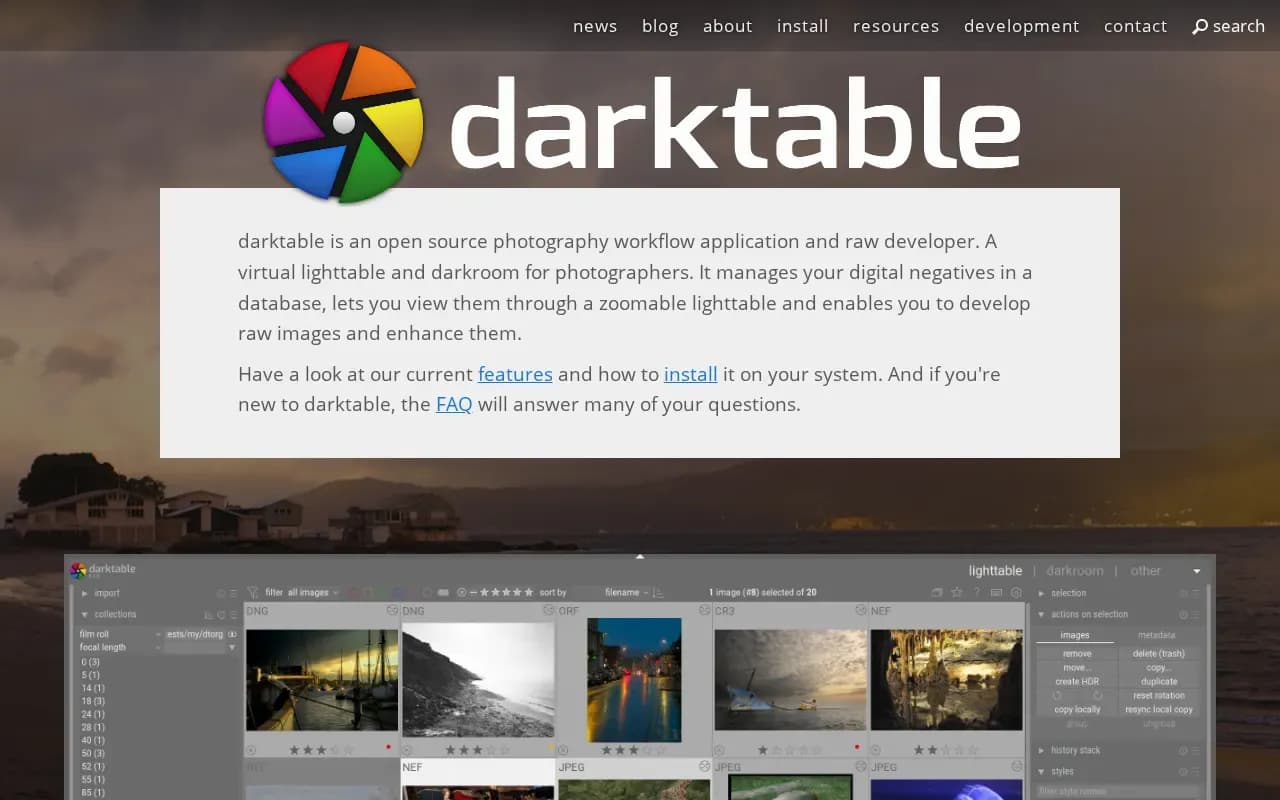
darktable calls itself an open source photography workflow application and raw developer. It works as a virtual lighttable and darkroom: it keeps your digital negatives in a database, lets you browse them, and develops raw images.
Edits are non-destructive, and the site highlights colour management aimed at accurate colour through to print and optional GPU acceleration. The software is released under GPL 3.0.
The install page offers a Linux AppImage (x86_64 and ARM), Windows installers (including Windows on ARM), and a macOS dmg for Apple silicon. It states no price.
darktable compared
Alternatives to darktable

Image editor for photo editing and compositing, with generative AI tools, sold by subscription.
- Paid

Adobe's subscription service for editing, organizing and sharing photos on desktop, mobile and the web.
- Paid
What users say
Write a reviewNo user reviews yet. If you’ve used darktable, share what you used it for and how it went.
Last updated 16 October 2026. Facts checked against the official site on 16 October 2026. How we make money