Clip Studio Paint
Drawing app for illustration, comics and animation, sold as a subscription or a one-time licence.
Our verdict
What it does well
- Comic tools: panel frames, speech balloons and screentones
- Animation tools with light table and onion-skin; 3D reference models
- Subscription on Windows, macOS, iPad, iPhone and Android; one-time licence on PC/Mac
Where it falls short
- One-time licence is Windows and macOS only
- The official page shows no per-edition PRO and EX subscription prices
- Two editions: animation and comic features are in EX, not PRO
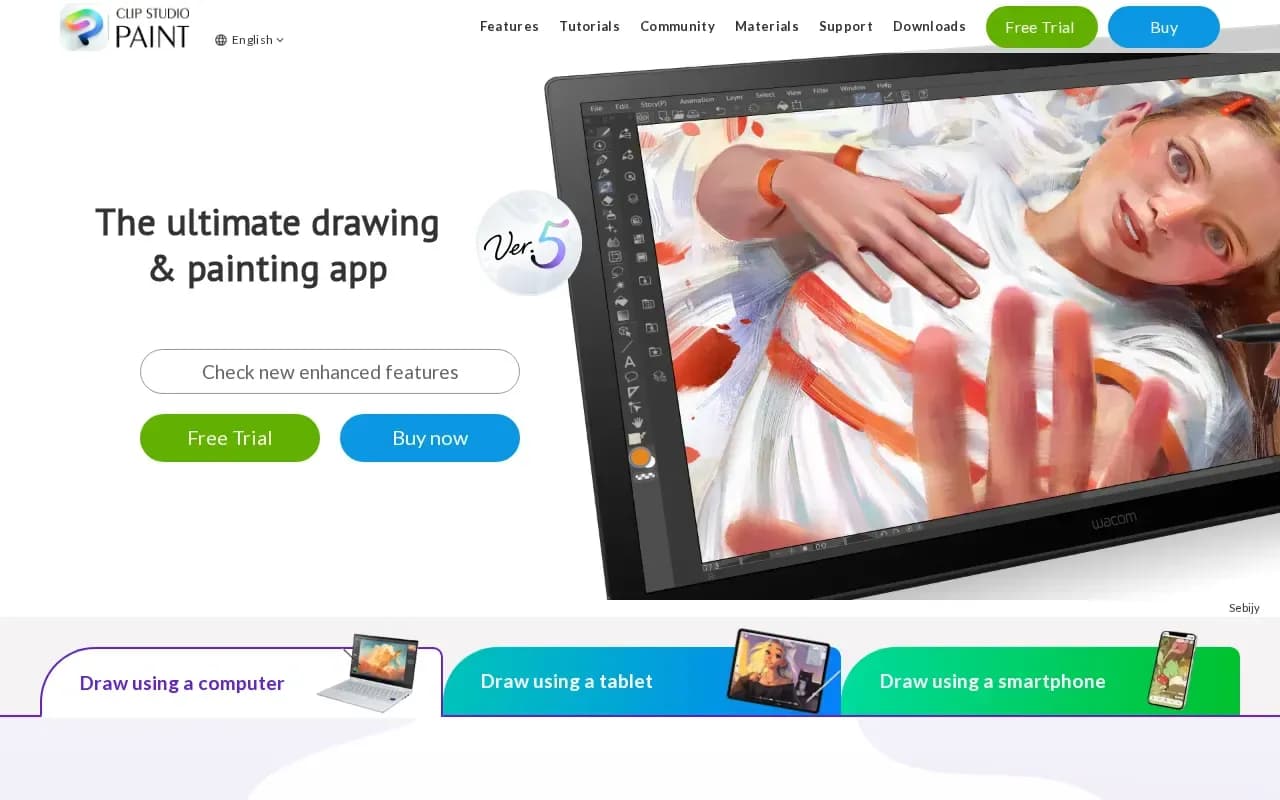
Clip Studio Paint calls itself the artist's app for drawing and painting, aimed at illustration, comics, animation and design. Listed tools include 3D reference models, perspective and symmetry rulers, Puppet Warp and Liquify, vector line art, comic tools and animation tools.
There are two editions. PRO is described as 'for professional illustration' and EX as 'all PRO features + animation and comic features'. Plans come as an annual or monthly subscription, listed from US$0.99/month and working on Windows, macOS, iPad, Android and iPhone, or as a one-time licence from US$63.00 for Windows and macOS only.
The site's FAQ says you can try it free for up to 6 months. The purchase page does not show the exact PRO and EX prices for each plan.
Open source alternatives to Clip Studio Paint
Free to use, with code anyone can inspect.
Free, open-source painting program for digital art, with brush engines and animation.
- Free
- Open source
What users say
Write a reviewNo user reviews yet. If you’ve used Clip Studio Paint, share what you used it for and how it went.
Last updated 16 October 2026. Facts checked against the official site on 16 October 2026. How we make money