
7-Zip
Free file archiver that packs and unpacks 7z, ZIP, TAR and many other archive formats.
Our verdict
What it does well
- Free for any use, including in companies, with no registration
- Packs 7z, XZ, BZIP2, GZIP, TAR, ZIP and WIM; unpacks many more
- Windows installers for x64, x86 and ARM64
Where it falls short
- Linux and macOS builds are console-only; the graphical app is Windows-only
- RAR files can be unpacked but not created
- Site lists no formal support channel or pricing page
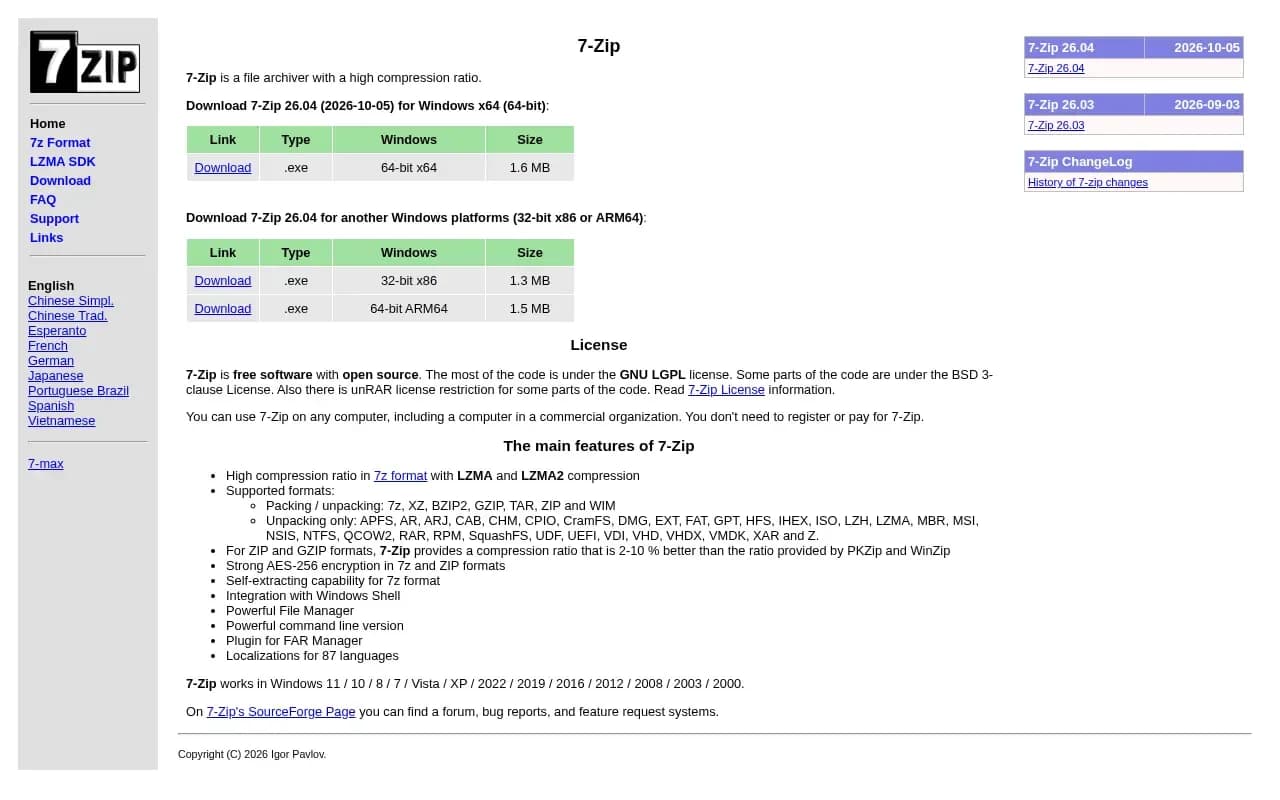
7-Zip is a file archiver by Igor Pavlov. The current version on the official site is 26.04 (2026-10-05). It can pack and unpack 7z, XZ, BZIP2, GZIP, TAR, ZIP and WIM, and unpack a long list of other formats including RAR, ISO, CAB, DMG, MSI, NTFS and VHD.
The site states you do not need to register or pay for 7-Zip, and the licence file says it can be used on any computer, including in commercial organisations, without registration or payment. Most of the code is under the GNU LGPL, some parts are BSD 3-clause or BSD 2-clause, and the RAR decompression code carries the unRAR restriction.
The download page offers Windows installers (.exe for x64, x86 and arm64, plus .msi), and console-version archives for Linux (x86-64, x86, arm64, arm) and macOS (arm64 and x86-64).
What users say
Write a reviewNo user reviews yet. If you’ve used 7-Zip, share what you used it for and how it went.
Last updated 17 October 2026. Facts checked against the official site on 16 October 2026. How we make money